This is an archive version of the document. To get the most up-to-date information, see the current version.
Deleting Passwords
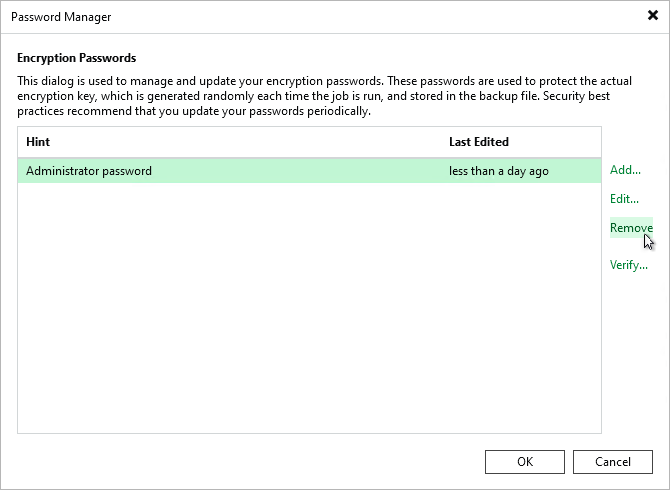
To delete a password in the Password Manager, perform the following steps:
- Make sure that the password you want to delete is not used by any job on the backup server.
- From the main menu, select Credentials & Passwords > Encryption Passwords.
- Select the password and click Remove.