This is an archive version of the document. To get the most up-to-date information, see the current version.
Step 1. Launch Microsoft Entra ID Tenant Wizard
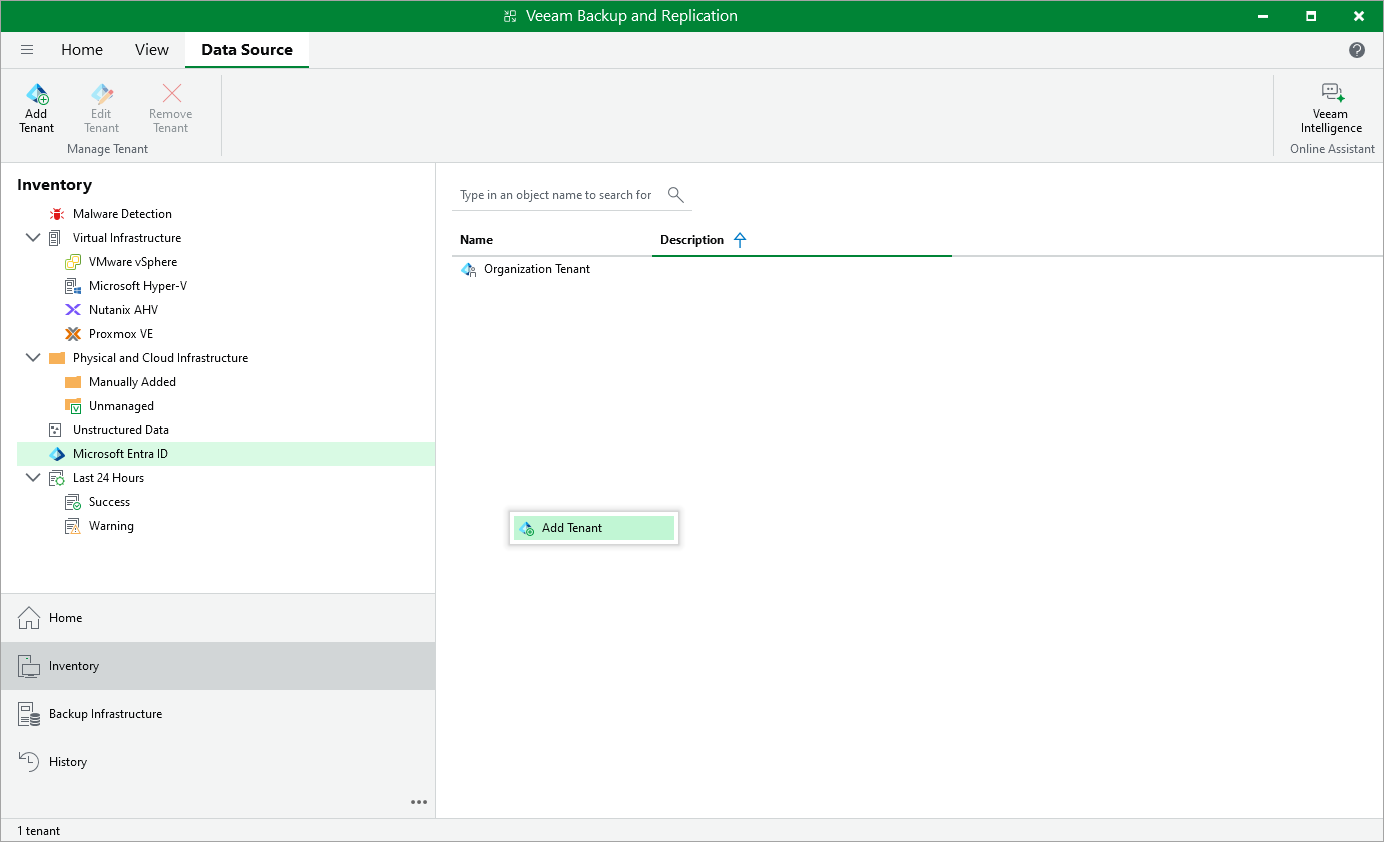
To launch the Microsoft Entra ID Tenant wizard, do the following:
- Open the Inventory view.
- In the inventory pane, click the Microsoft Entra ID node.
- R ight-click the Microsoft Entra ID node and select Add Microsoft Entra ID tenant .
Alternatively, click Add Tenant on the ribbon.