This is an archive version of the document. To get the most up-to-date information, see the current version.
Step 8. Specify Restore Reason
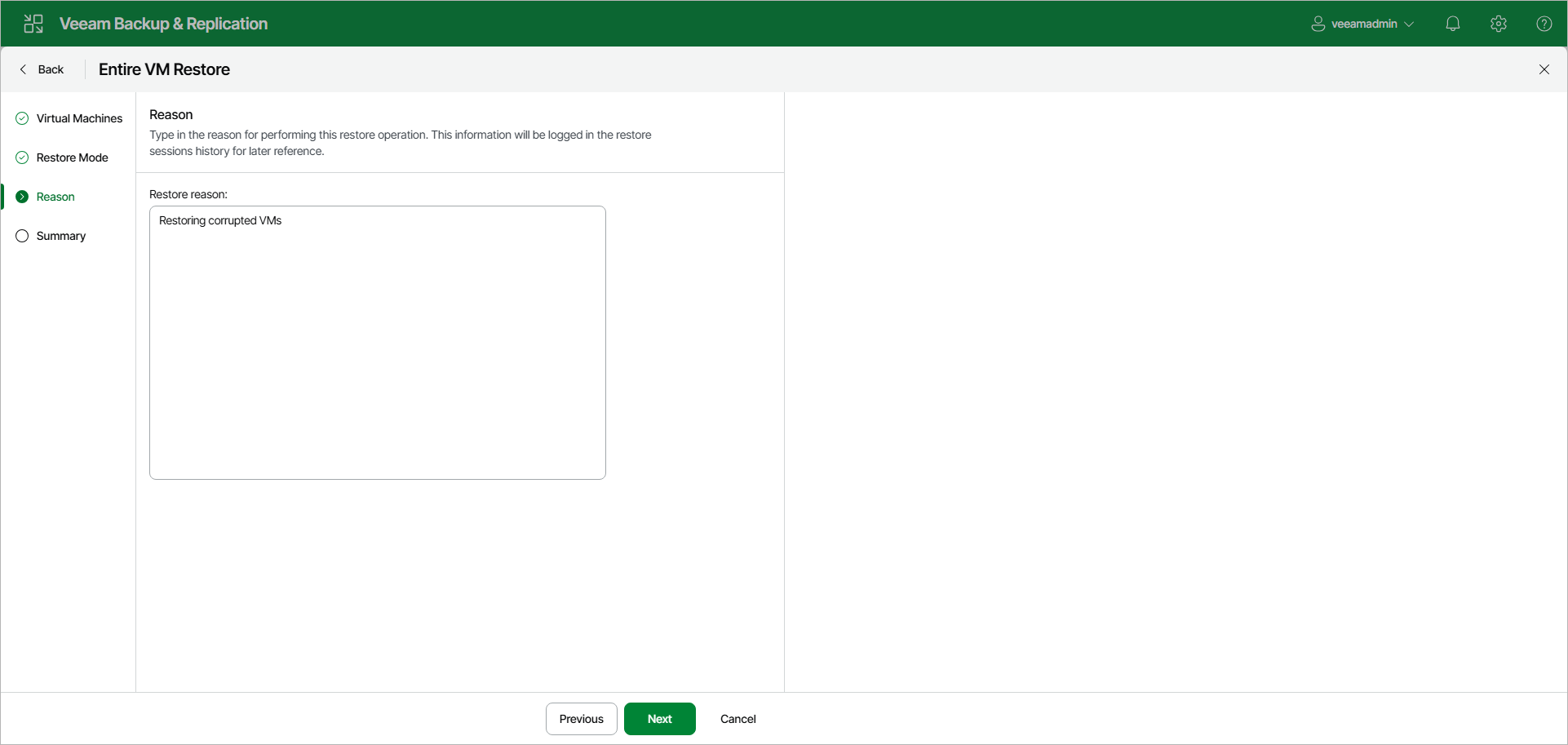
At the Reason step of the wizard, enter a reason for restoring the selected VMs. The information you provide will be saved in the session history and you can reference it later.