This is an archive version of the document. To get the most up-to-date information, see the current version.
Step 6. Finish Working with Wizard
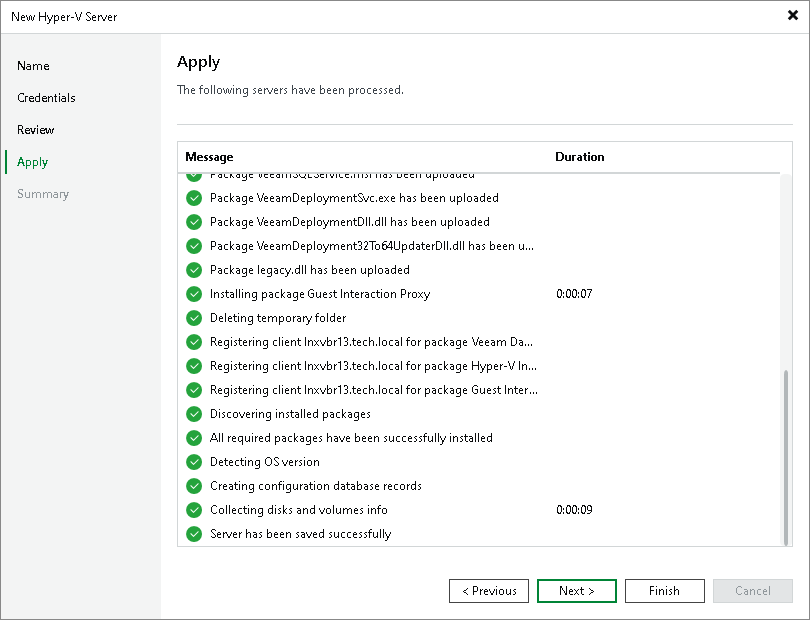
At the Apply step of the wizard, complete the procedure of Microsoft Hyper-V server adding.
- Review details of the Microsoft Hyper-V server.
- Click Next, then click Finish to exit the wizard.