This is an archive version of the document. To get the most up-to-date information, see the current version.
Step 3. Select Workloads
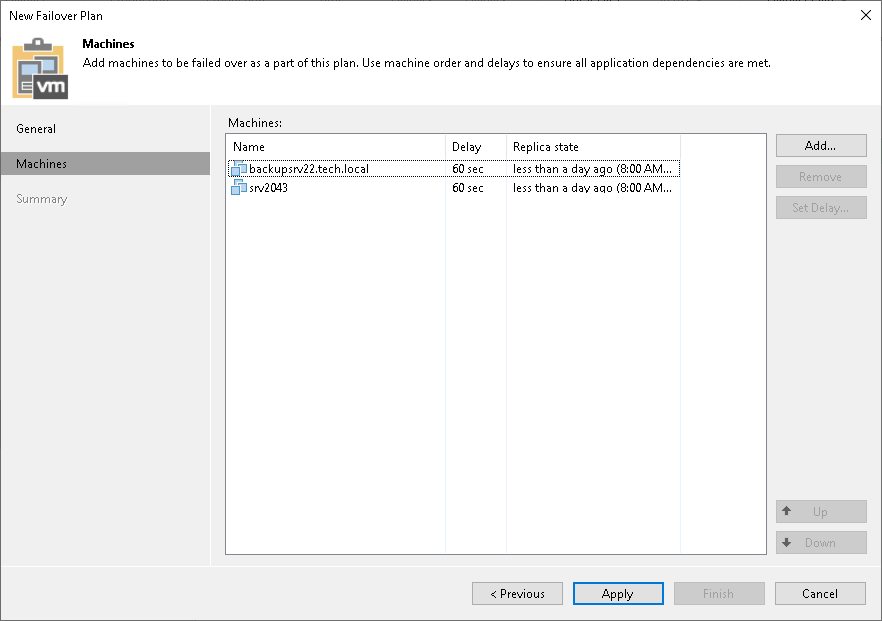
At the Machines step of the wizard, select workloads that you want to add to the failover plan.
To add workloads:
- Click Add.
- Select where to browse for workloads:
- From infrastructure — browse the virtual environment and select workloads.
- From replicas — browse existing replication jobs and select workloads from replication jobs.
To quickly find the necessary workloads, you can use the search fields.
|
Note |
|
A source from which you add a workload to a failover plan does not affect whether you fail over to the latest or specific restore point. It is the command that you select when starting a failover plan that defines the restore point. For more information, see Running Failover Plans. |