This is an archive version of the document. To get the most up-to-date information, see the current version.
Editing HPE Morpheus VM Essentials Server Properties
To edit properties of the HPE Morpheus VM Essentials manager added to the backup infrastructure, do the following:
- Open the Backup Infrastructure view.
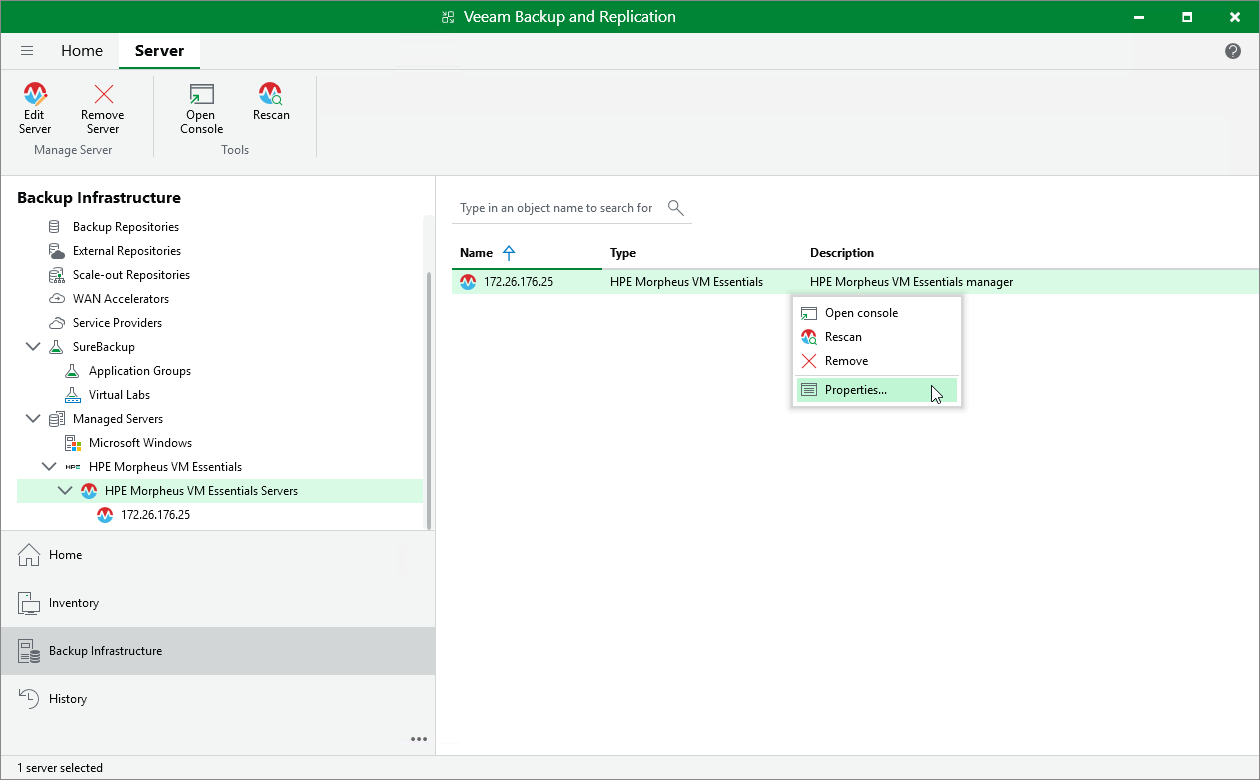
- In the inventory pane, select Managed Servers > HPE Morpheus VM Essentials .
- In the working area, select the HPE Morpheus VM Essentials manager and click Edit Server on the ribbon, or right-click the HPE Morpheus VM Essentials manager and select Properties .
- Complete the Edit HPE Morpheus VM Essentials Server wizard as described in section Adding HPE Morpheus VM Essentials manager to Backup Infrastructure .