This is an archive version of the document. To get the most up-to-date information, see the current version.
Performing Permanent Failover
For more information on permanent failover, see Permanent Failover and Failover and Failback for Replication.
To perform permanent failover, do the following:
- Open the Home view.
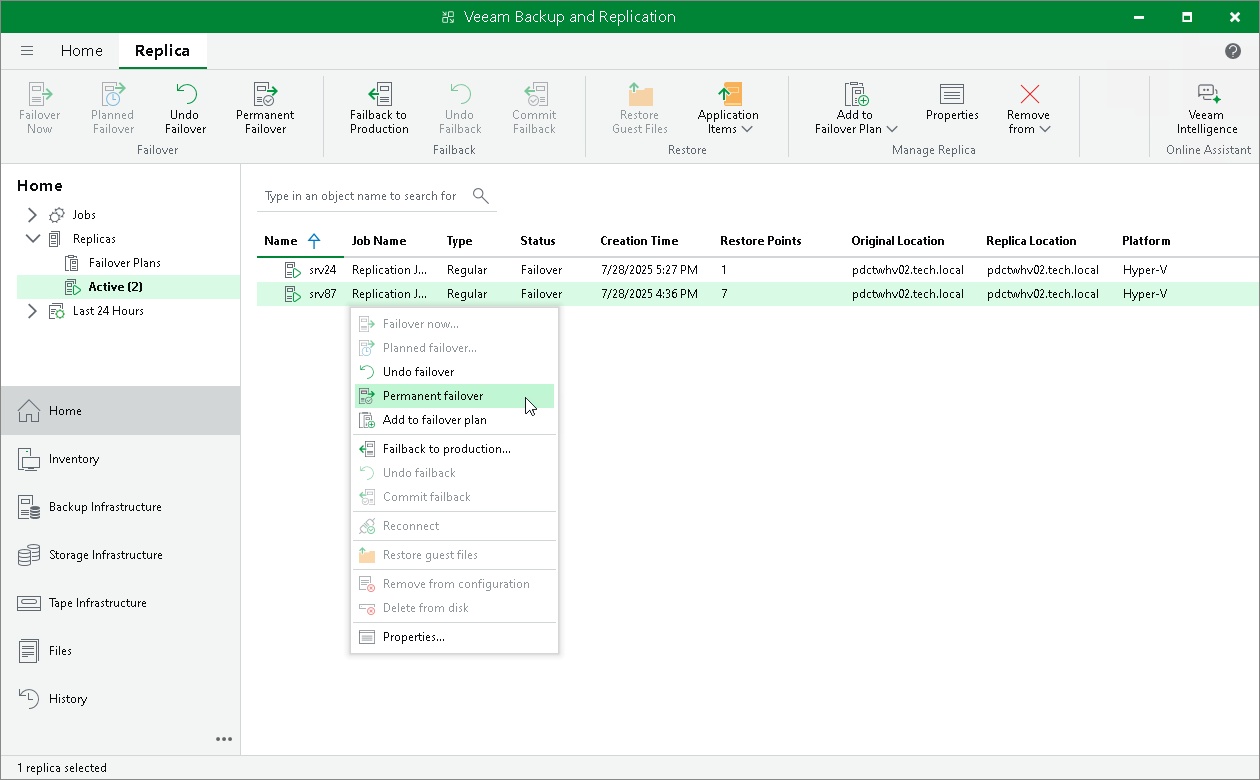
- In the inventory pane navigate to the Replicas > Active node.
- In the working area, select the necessary replica and click Permanent Failover on the ribbon. Alternatively, right-click the necessary replica and select Permanent failover.