This is an archive version of the document. To get the most up-to-date information, see the current version.
Step 1. Launch New Microsoft Entra ID Log Backup Job Wizard
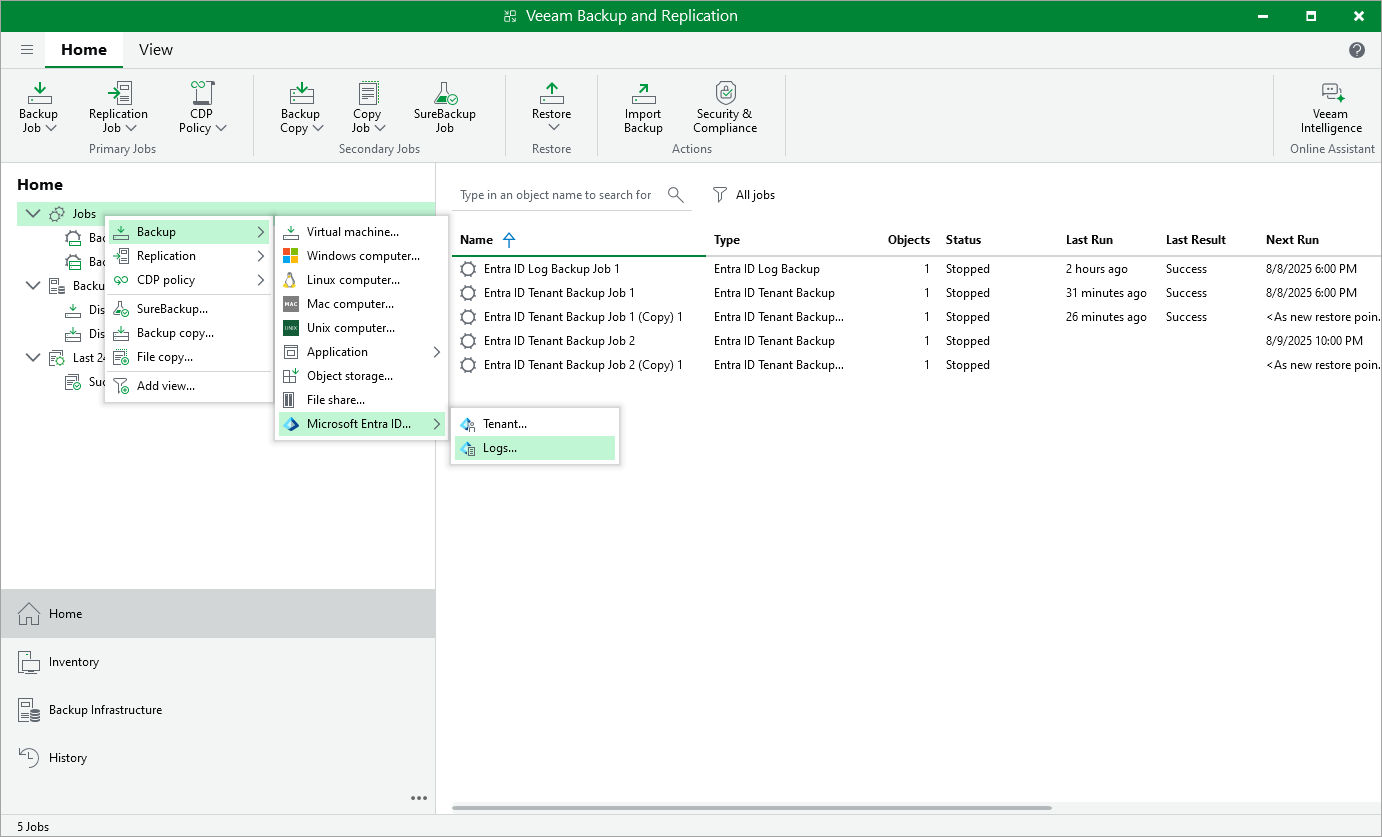
To launch the Microsoft Entra ID Log Backup Job wizard, do either of the following:
- Open the Home view. On the ribbon, click Backup Job > Microsoft Entra ID > Logs .
- Open the Home view. In the inventory pane, right-click Jobs and select Backup > Microsoft Entra ID > Logs .