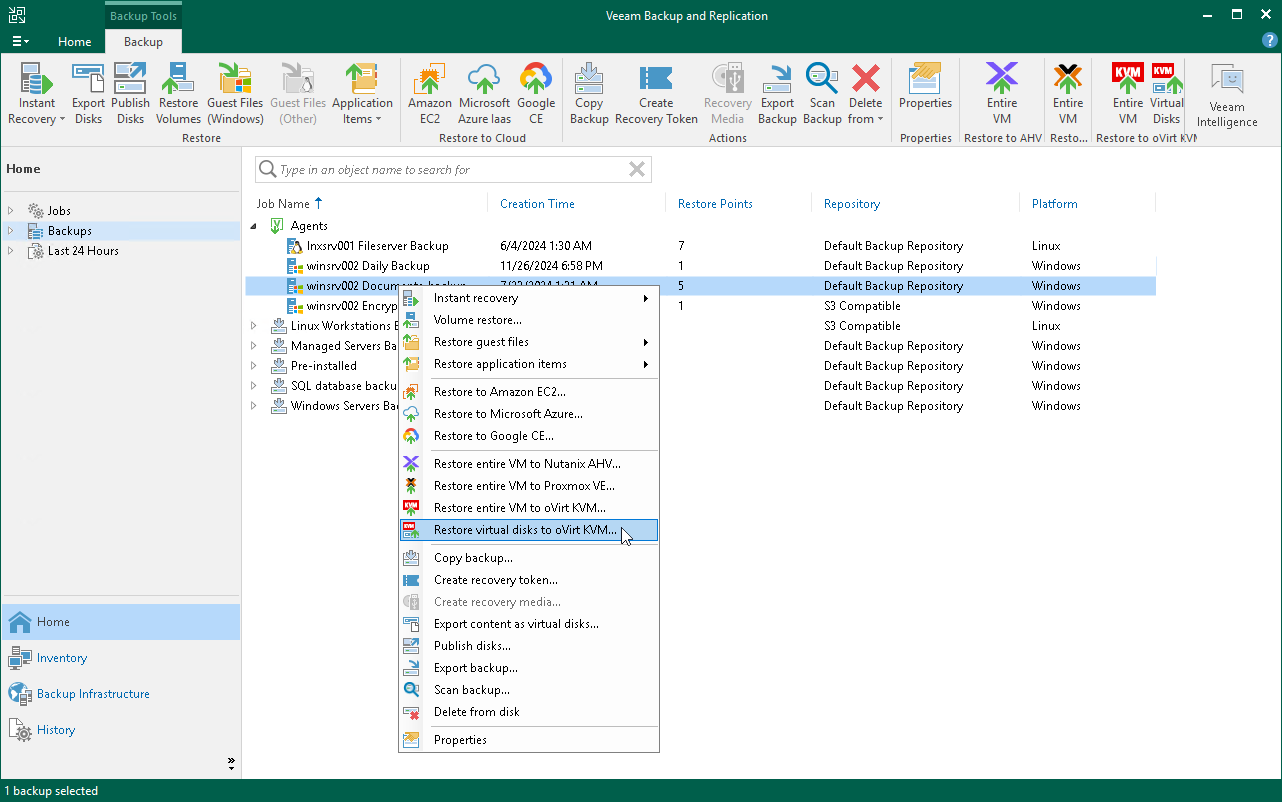
Restoring Disk from Veeam Agent Backup to oVirt KVM
You can use the Veeam Backup & Replication console to restore disks from a Veeam Agent computer backup to an oVirt KVM VM in your virtualization environment.
Considerations and Limitations
If you restore disks to an oVirt KVM VM, keep in mind that you can use backups of Microsoft Windows computers stored in a Veeam backup repository only. You cannot perform this operation with Veeam Agent backups stored in a Veeam Cloud Connect repository.
Restore to oVirt KVM VM
The procedure of restoring disks to an oVirt KVM VM for a Veeam Agent computer practically does not differ from the same procedure for a VM. To learn more, seethe Performing Disk Restore section in the Veeam Backup & Replication user guide.