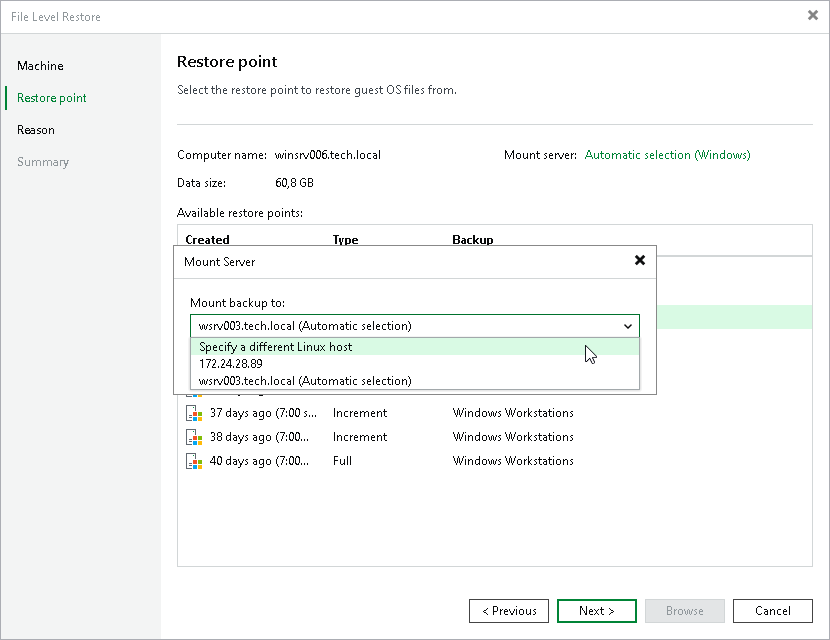
Step 4. Specify Mount Server
At the Restore Point step of the wizard, select a mount server that will be used to mount disks of the Veeam Agent computer from the backup.
By default, Veeam Backup & Replication selects the mount server automatically based on the OS of the protected computer and infrastructure availability. However, you can specify a preferred mount server manually. For more information, see the Mount Server Automatic Selection section in the Veeam Backup & Replication User Guide.
To specify a mount server, do the following:
- At the Restore Point step of the wizard, click the link next to the Mount server field.
- In the Mount Server window, select a mount server from the drop-down list, and click OK.