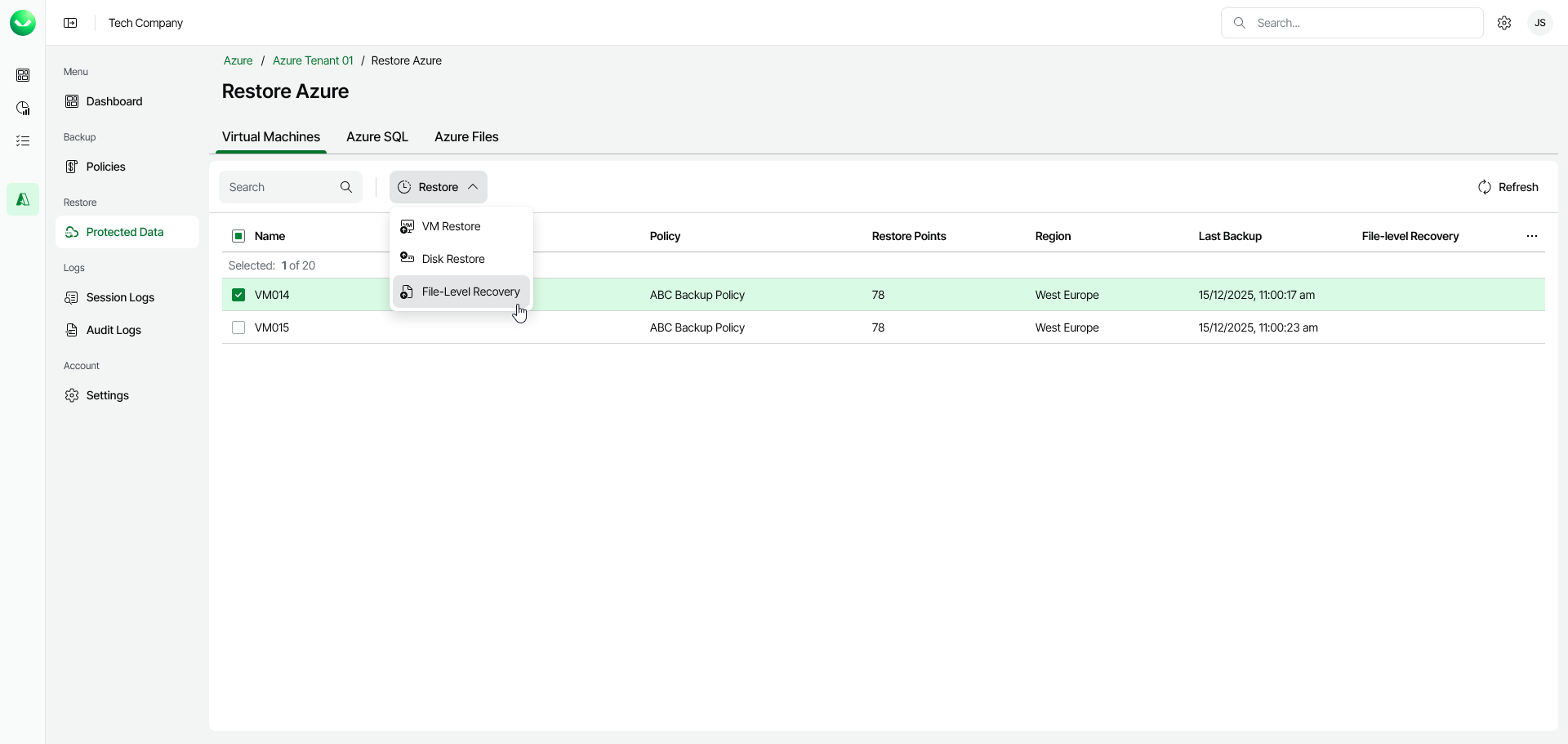
Step 1. Launch File-Level Recovery Wizard
To launch the File-Level Recovery wizard, do the following:
- In the Restore section of the main menu, open the Protected Data page.
- On the Virtual Machines tab, select the Azure VM whose files you want to restore.
Note |
You can restore files from only one Azure VM within a single restore operation. |
- Click Restore > File-Level Recovery. Alternately, right-click the selected VM and, in the context menu, choose Restore > File-Level Recovery.