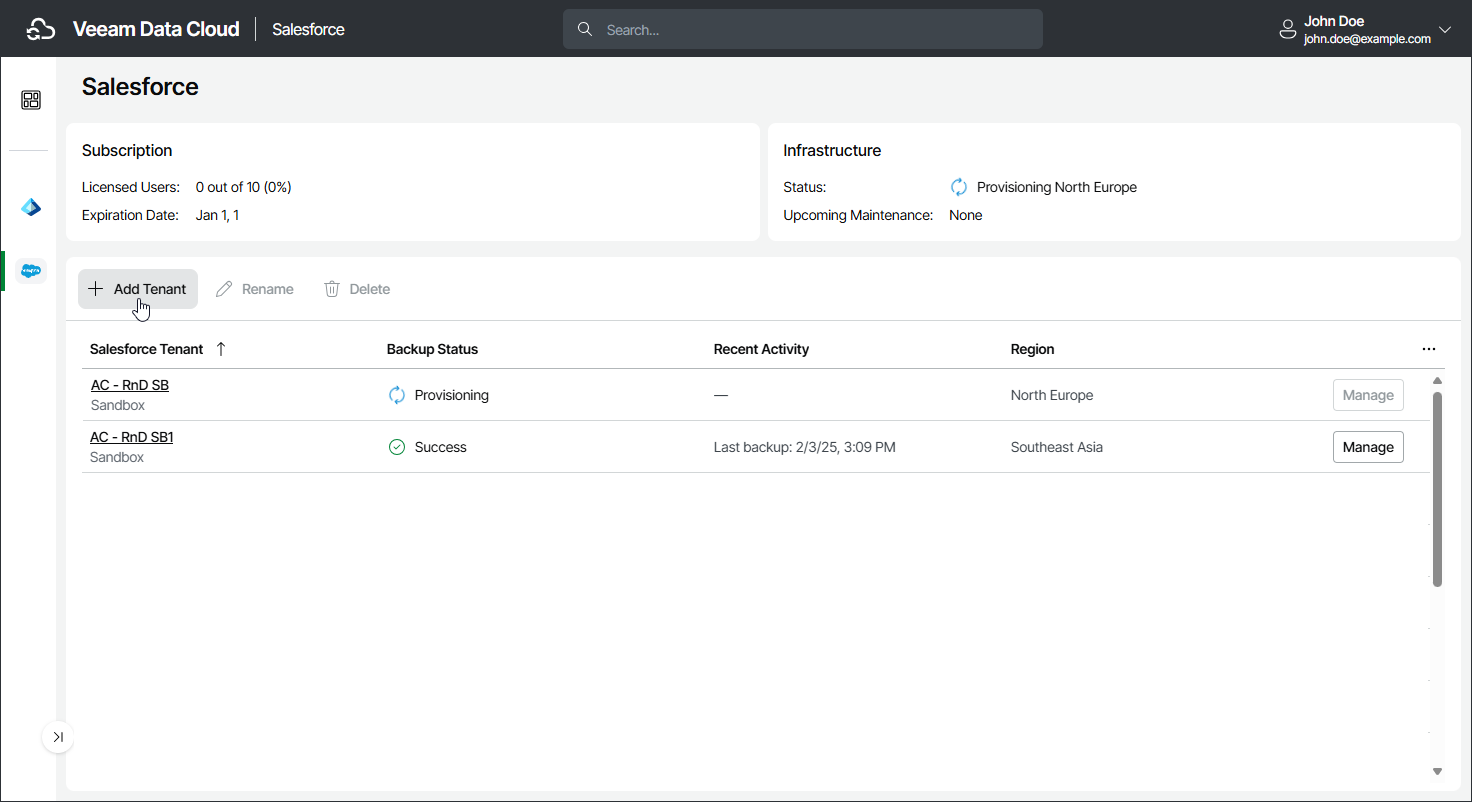
Step 1. Launch Add Salesforce Tenant Wizard
To launch the Add Salesforce Tenant wizard, do the following:
- To open the list of Salesforce tenants, click Salesforce on the left.
- Click Add Tenant.
Alternatively, if your service provider has invited you to add a new tenant, click the menu icon in the Actions column of your invitation and select Activate Invitation.
Tip |
|
If you add a sandbox Salesforce tenant that was previously backed up with Veeam Data Cloud and later refreshed in Salesforce, you can decide whether to delete the existing backup and add the tenant as new or to keep the existing backup and only refresh the connection token for the sandbox tenant. If you are adding a Salesforce tenant that was previously backed up and deleted in Veeam Data Cloud, and it still has the In Retention status, you can decide whether to delete the existing backup and add the tenant as new or to keep the existing backup. If your Veeam Data Cloud for Salesforce subscription is terminated, Veeam Data Cloud prevents you from adding or refreshing the tenant. |