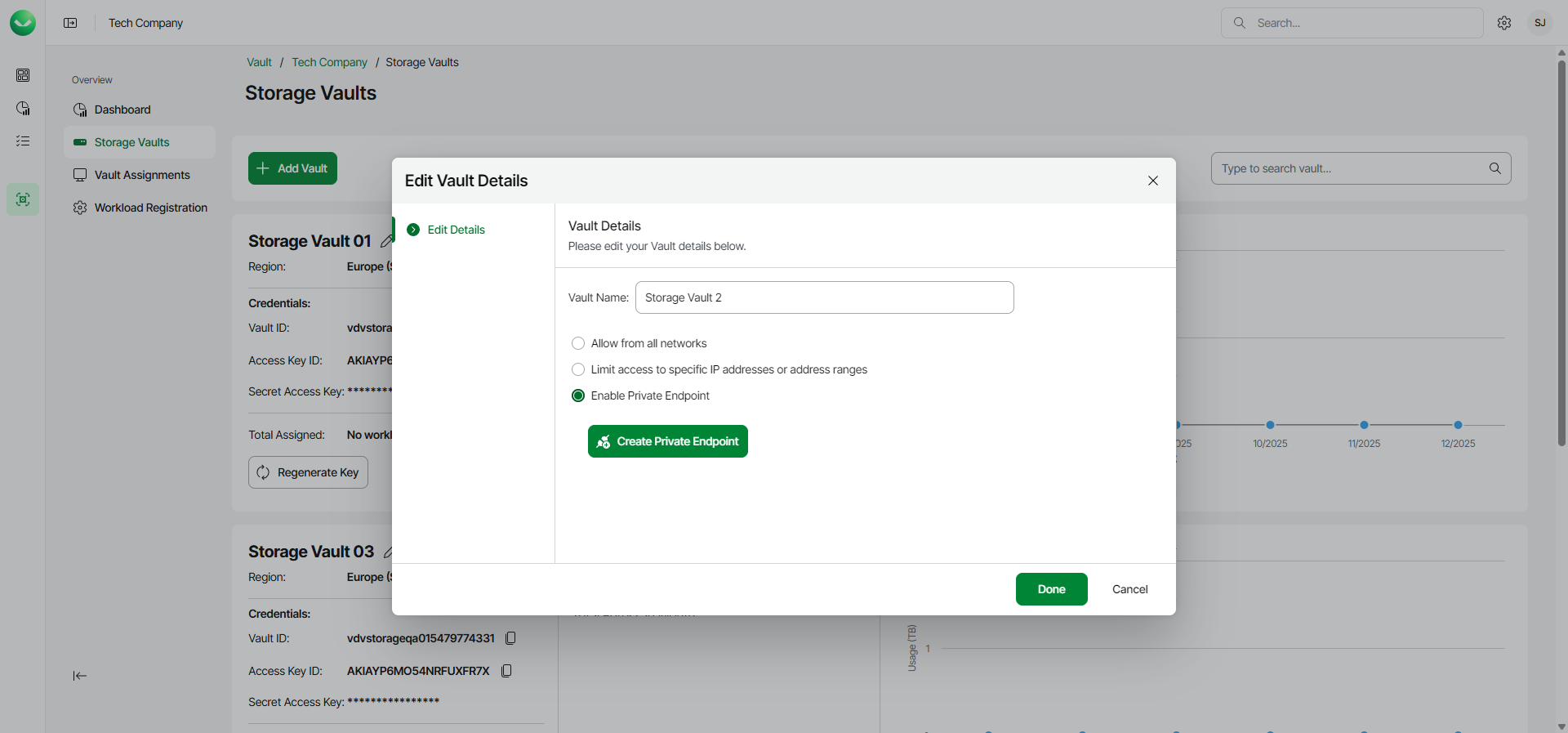
Step 1. Launch Create Private Endpoint Wizard
To launch the Create Private Endpoint wizard, do the following:
- On the Vault page, find the necessary tenant in the list of tenants and click the tenant name.
Alternatively, click the menu icon at the end of the row and click Manage.
- In the left menu, click Storage Vaults.
- On the Storage Vaults page, locate the storage vault for which you want to create the private endpoint and click Manage.
Alternatively, if you have switched to the list view, click the menu icon in the Actions column and select Manage.
- In the Manage vault window, select the Enable Private Endpoint option.
- Click Create Private Endpoint.