Increasing Retention Period
To keep backups longer before Veeam Data Cloud deletes them, you can increase the retention period.
To increase the retention period, do the following:
- On the Entra ID page, click the name of the tenant you want to manage.
- Select Policies.
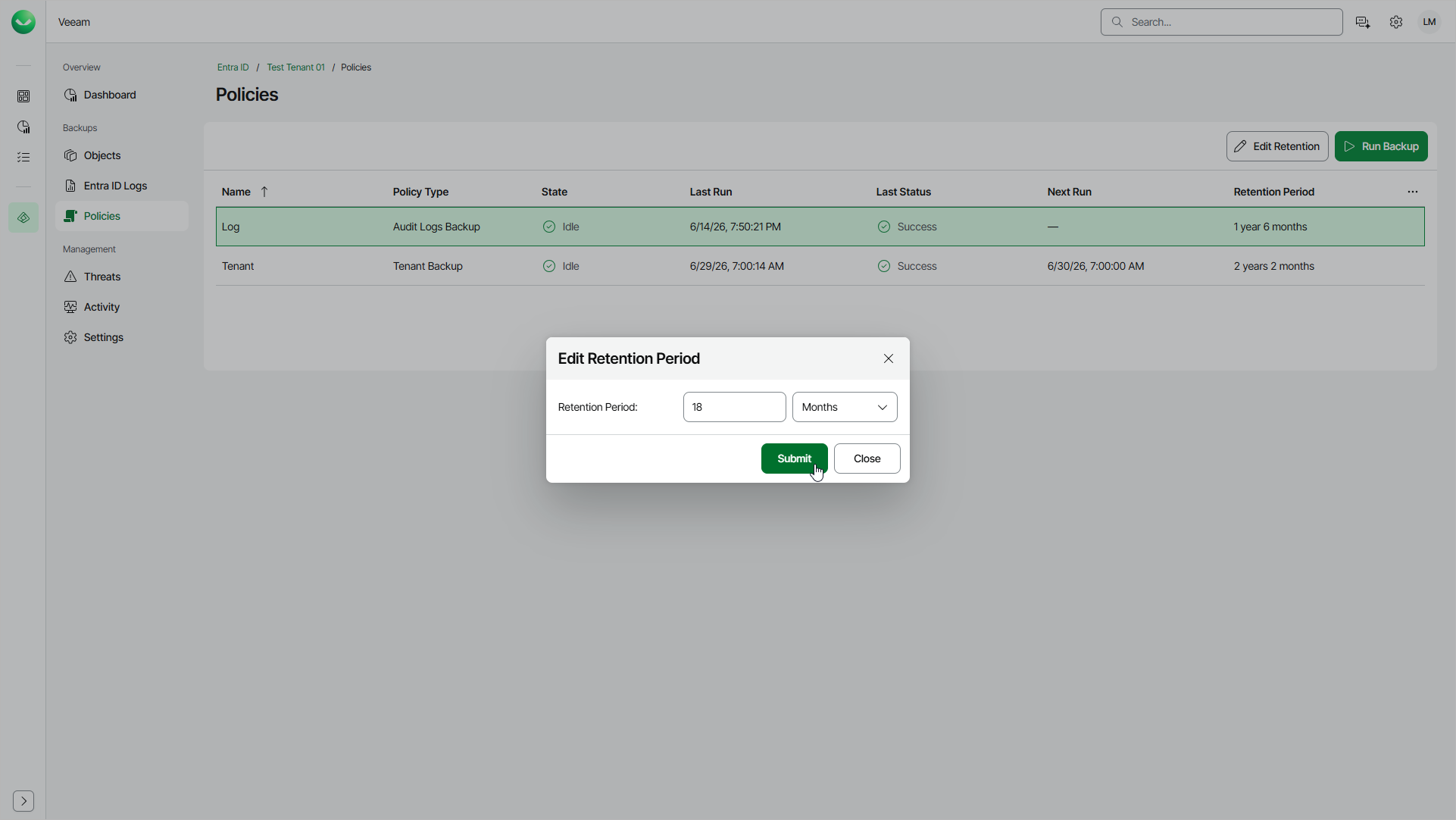
- On the Policies page, in the Actions column of the policy for which you want to increase the retention period, click the menu icon and select Edit Retention.
- In the Edit Retention Period window, specify a new retention period. The new retention period cannot be shorter than the current one. The maximum value is 99 years or 1,187 months.
- Click Submit to save the changes.