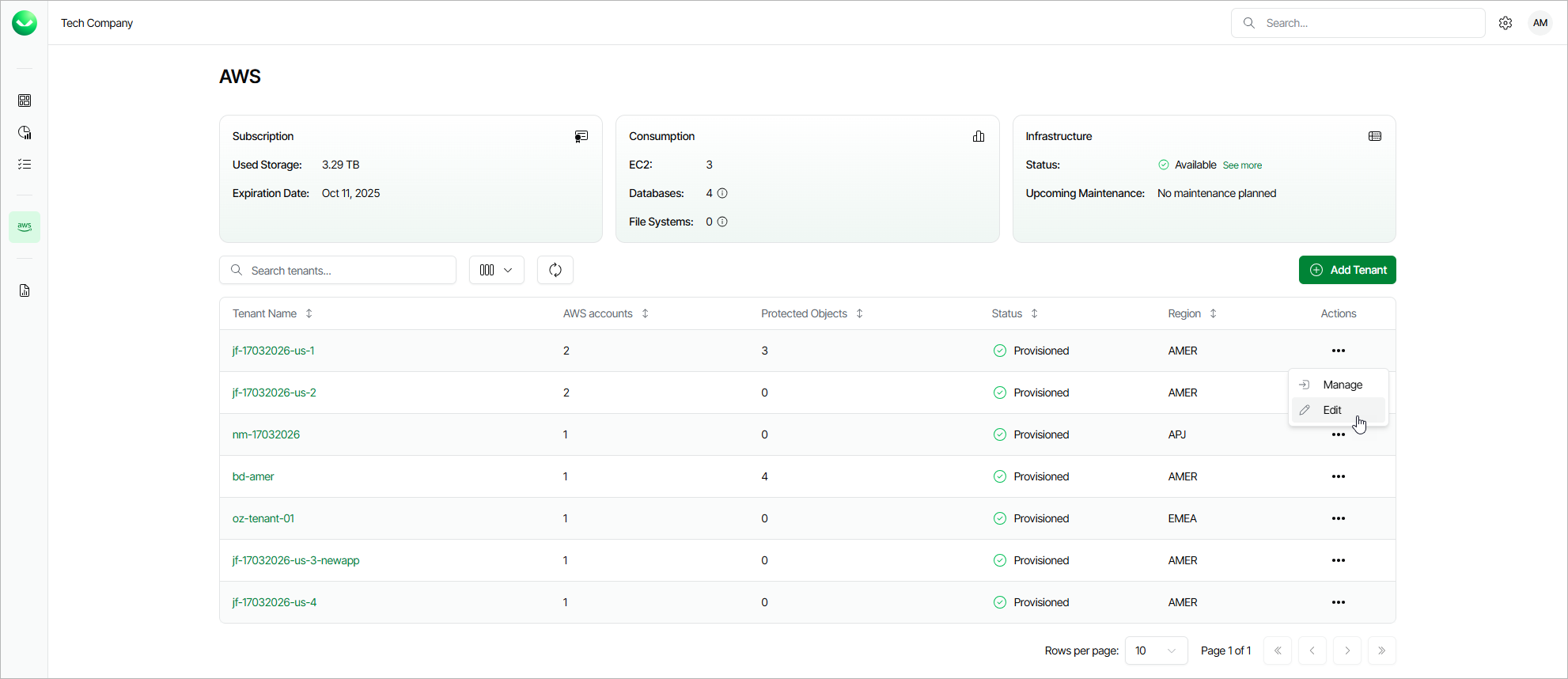
Editing Tenants
For each tenant created in Veeam Data Cloud for AWS, you can modify settings configured while creating the tenant:
- On the AWS page, locate the necessary tenant and click Edit in the Actions column.
- Complete the Edit AWS Tenant wizard:
- To provide a new name for the tenant, follow the instructions provided in section Adding AWS Tenants (step 3).
- To allow the tenant to access resources in AWS accounts that have not been included into the tenant yet, follow the instructions provided in section Adding AWS Tenants (step 2).
- To specify new accounts whose resources will be available to the tenant, follow the instructions provided in section Adding AWS Tenants (step 3).
- At the Summary step of the wizard, review summary information and click Finish to confirm the changes.
|
Note |
|
Currently, Veeam Data Cloud for AWS does not support removing AWS accounts from tenants. |