Mapping Multi-Geo Regions
Veeam Data Cloud for Microsoft 365 allows you to modify the region mapping for your Microsoft 365 multi-geo tenants.
For Express multi-geo tenants, the data protected with Express resides in the same geography as the source Microsoft 365 data. Mapping Express multi-geo regions is in relation to Veeam Data Cloud accessibility of the data per region rather than changing the data location itself.
To change the region for a multi-geo tenant, do the following:
- On the Microsoft 365 page, click the name of the tenant you want to manage.
- Select Settings.
- Go to the Multi-Geo mapping tab.
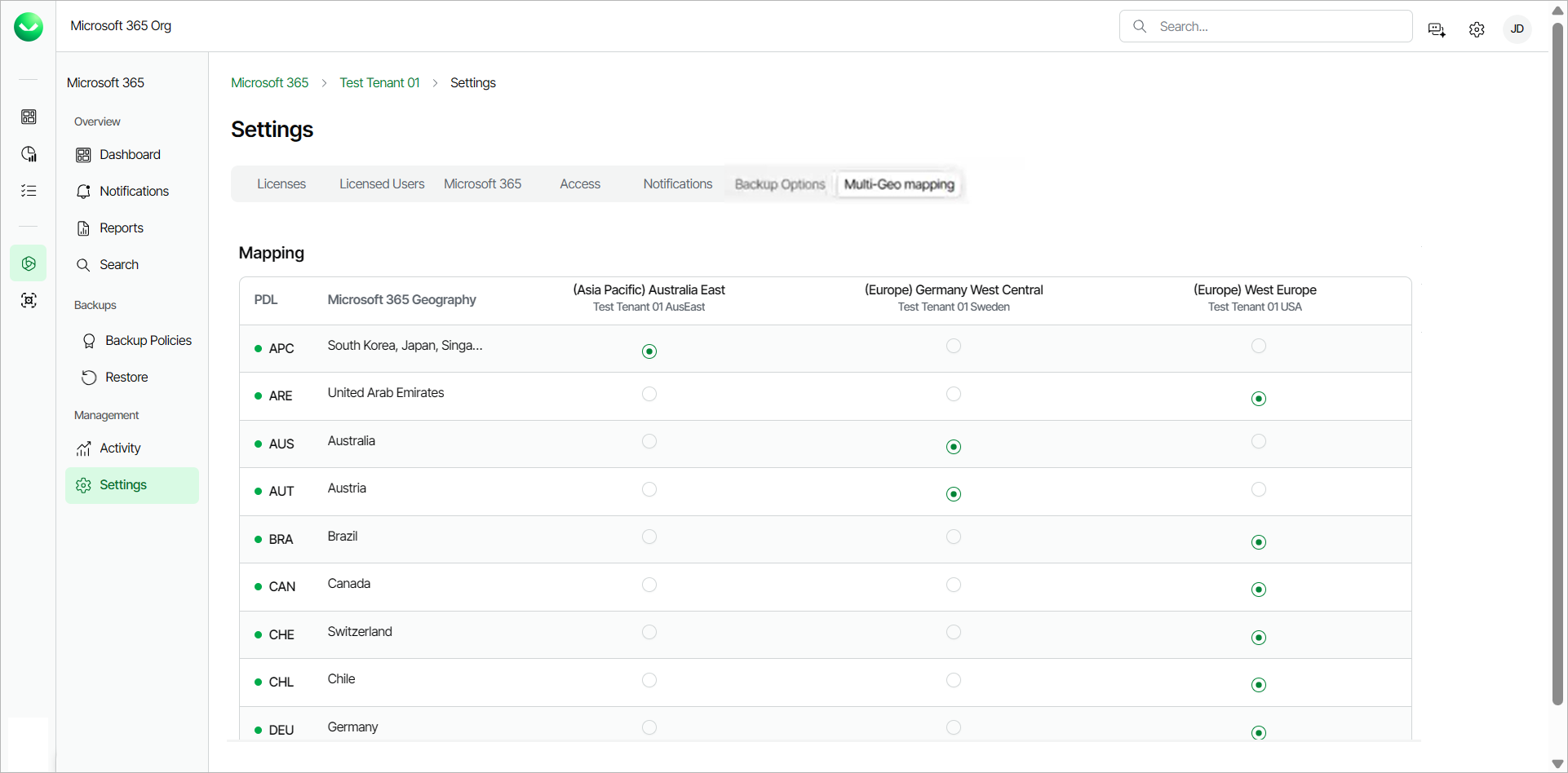
- From the Default Storage Region drop-down, you can change the default storage region where objects with no assigned or missing region will be backed up.
- In the Mapping section, you can see all the available regions and the tenants you mapped to them when you added the the multi-geo tenancy in Veeam Data Cloud. Select the region you want to change under the correct tenant.
- Click Save. The change may take up to 24 hours.