Disabling and Enabling Policies
By default, Veeam Data Cloud for AWS runs all created backup policies according to the SLA templates assigned to the policy. However, you can temporarily disable a backup policy so that Veeam Data Cloud for AWS does not run the backup policy automatically.
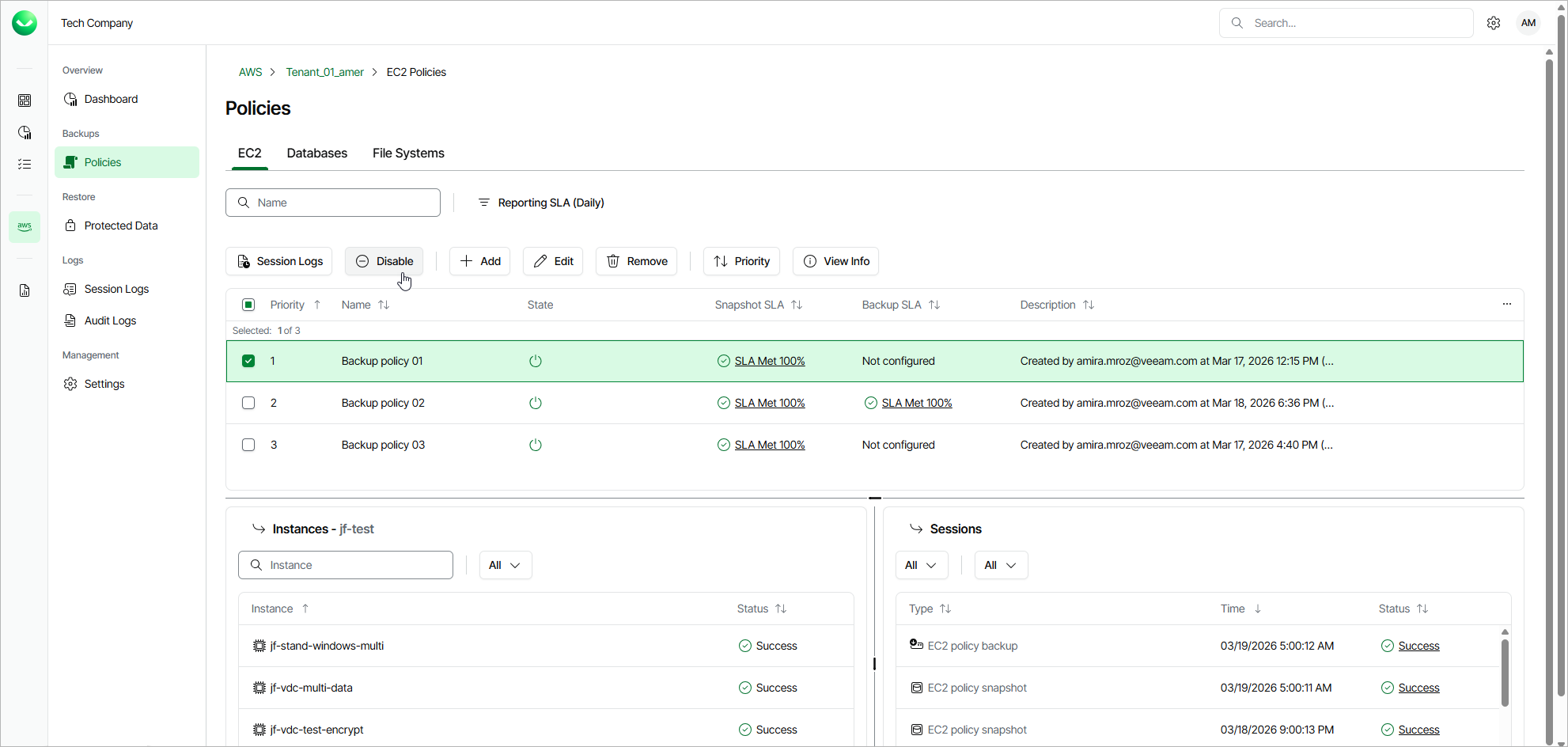
To enable or disable a backup policy, do the following:
- On the tenant administration page, navigate to Policies.
- Switch to the necessary tab and select the backup policy.
- Click Disable or Enable.