Removing Restore Job Drafts
You to permanently remove a restore job draft from Veeam Data Cloud if you no longer need it. However, you cannot remove restore jobs that have already been launched.
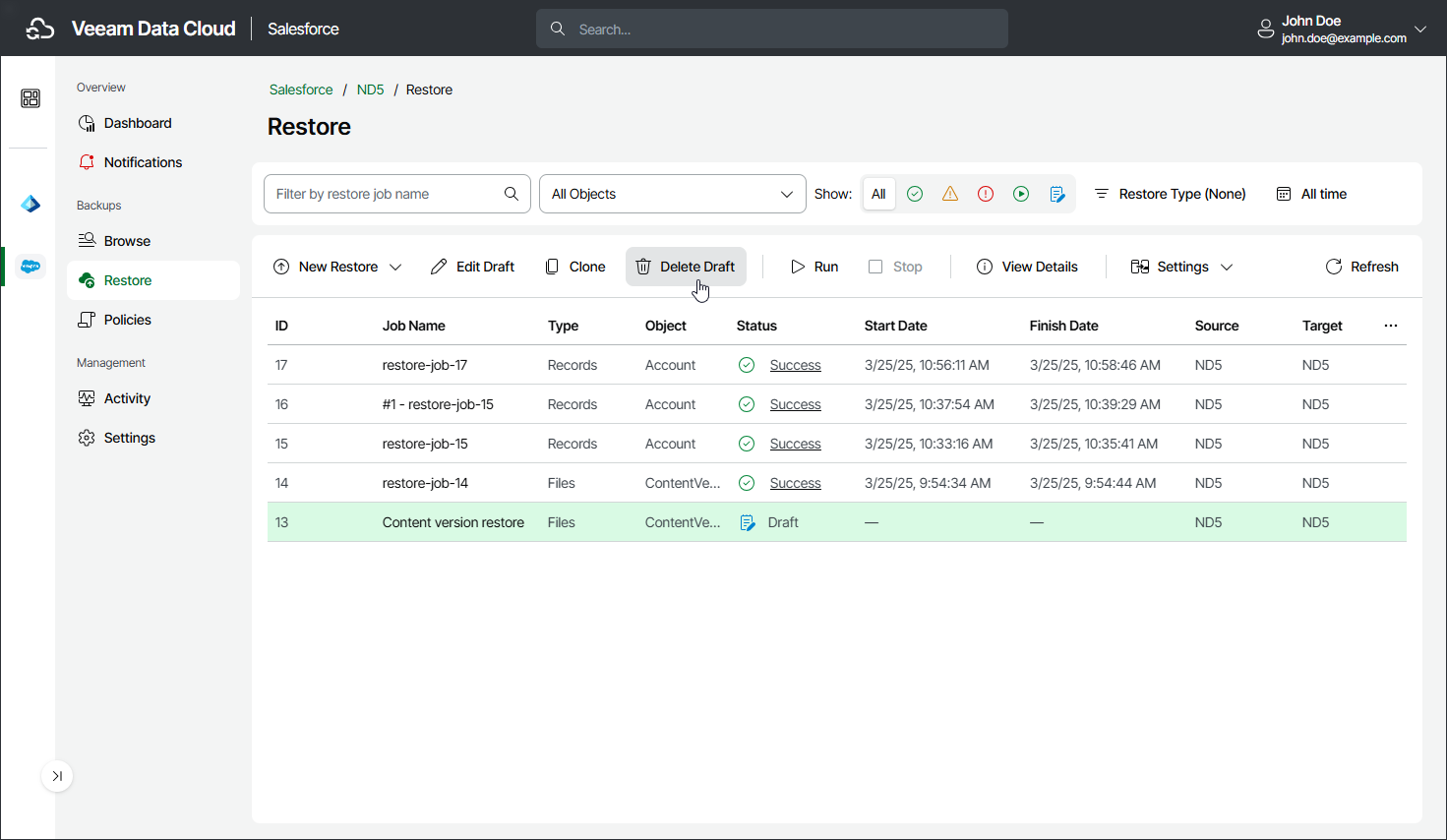
To remove a restore job draft:
- On the Salesforce page, click the name of the tenant you want to manage.
- To view all restore jobs created for the tenant, select Restore on the left.
- Select the necessary job draft.
- Click Delete Draft.
- In the Confirmation window, click Remove to acknowledge the operation.