Removing Database Accounts
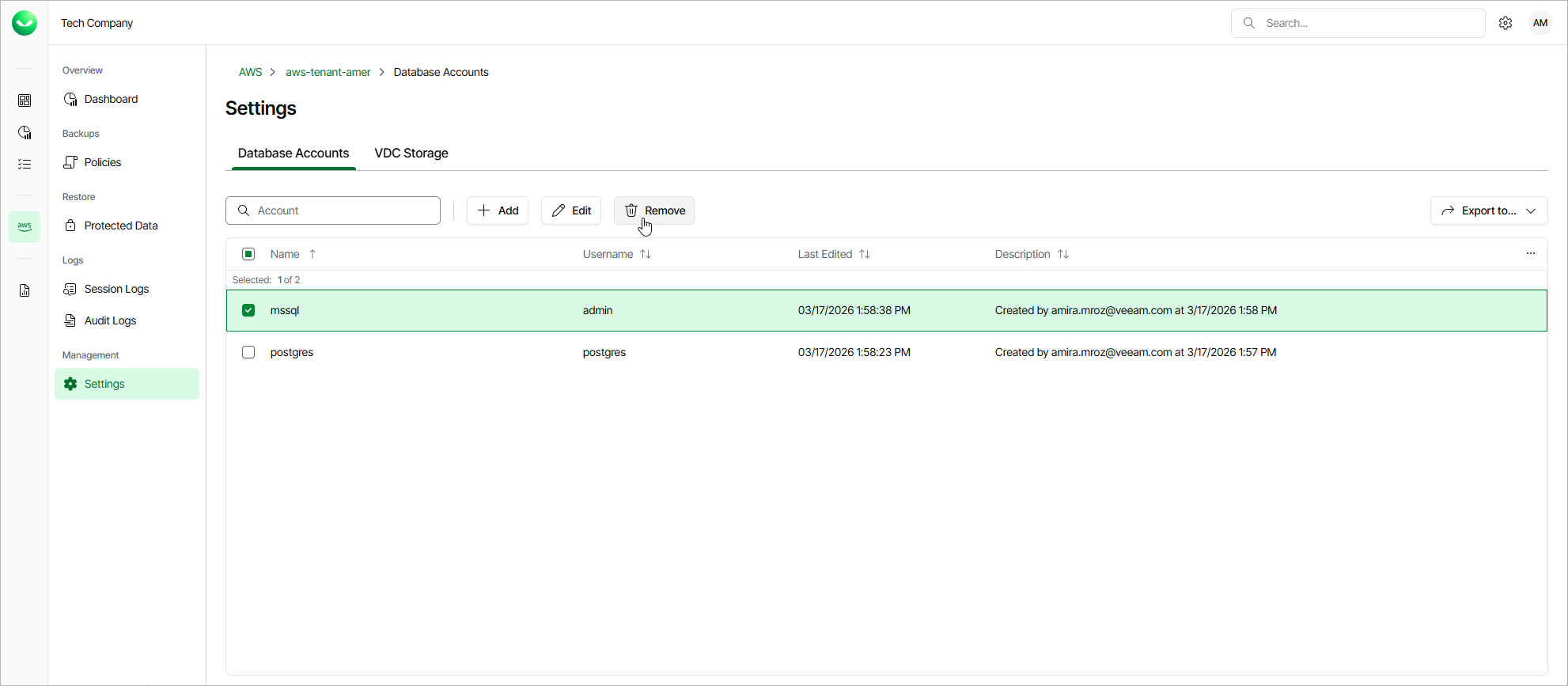
Veeam Data Cloud for AWS allows you to permanently remove a database account from the Veeam Data Cloud database if you no longer need it:
- On the tenant administration page, navigate to Settings > Database Accounts.
- Select the account and click Remove.
|
Important |
|
You cannot remove a database account that is associated with any backup policy. Delete all of the affected policies or edit their settings — and then try removing the account again. |