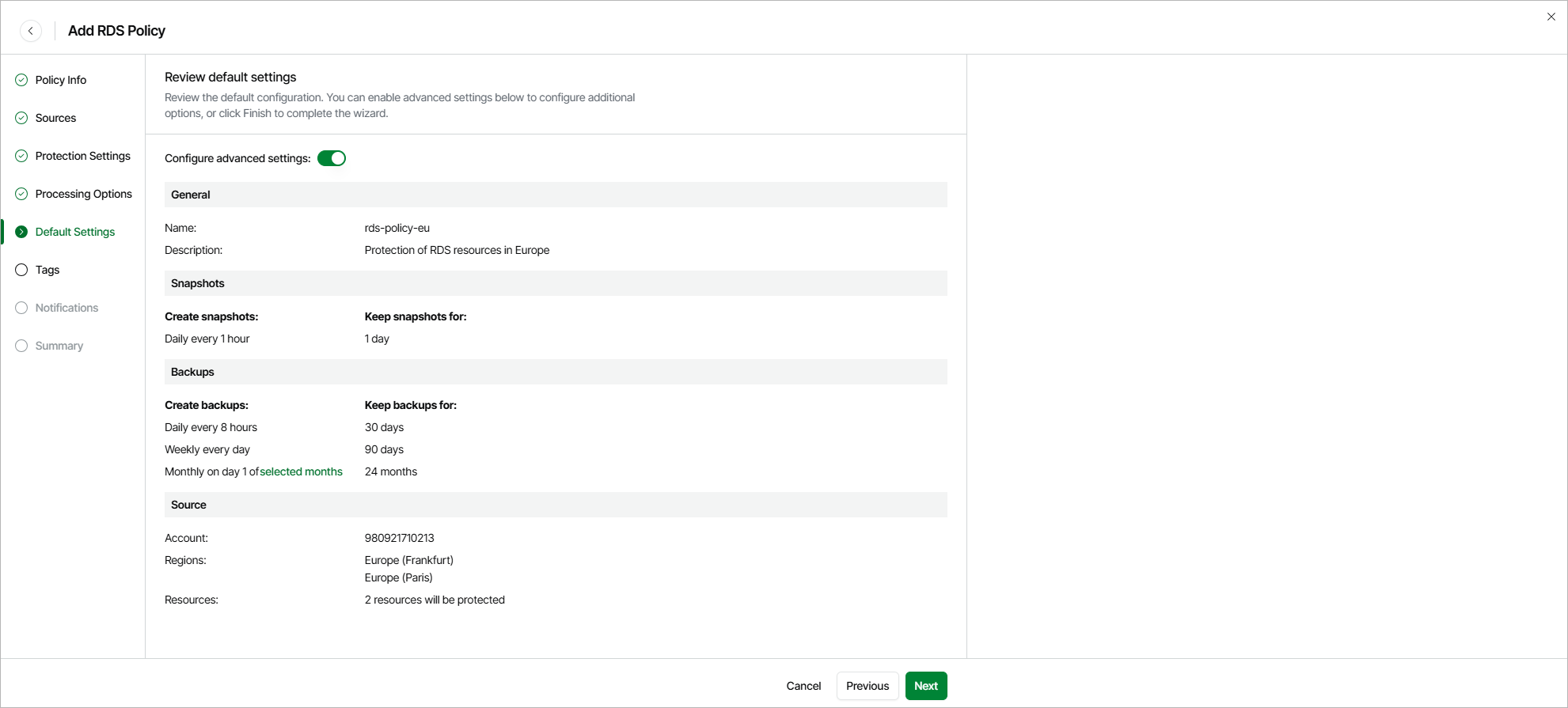
Step 6. Review Default Settings
At the Summary step of the wizard, you can do either of the following:
- To complete the wizard with the default settings, click Finish.
- To configure additional settings (such as assigning tags to cloud-native snapshots and receiving backup policy results by email), set the Advanced settings toggle to On. Then, click Next.