Starting and Stopping Backup Copy Policies
You can start a backup copy policy manually, for example, if you want to copy data right away and do not want to modify the configured policy schedule. You can also stop a running backup copy policy manually, for example, if processing is about to take too long.
To start a backup copy policy:
- On the Salesforce page, click the name of the tenant you want to manage.
- To view the policies created for this tenant, select Policies on the left.
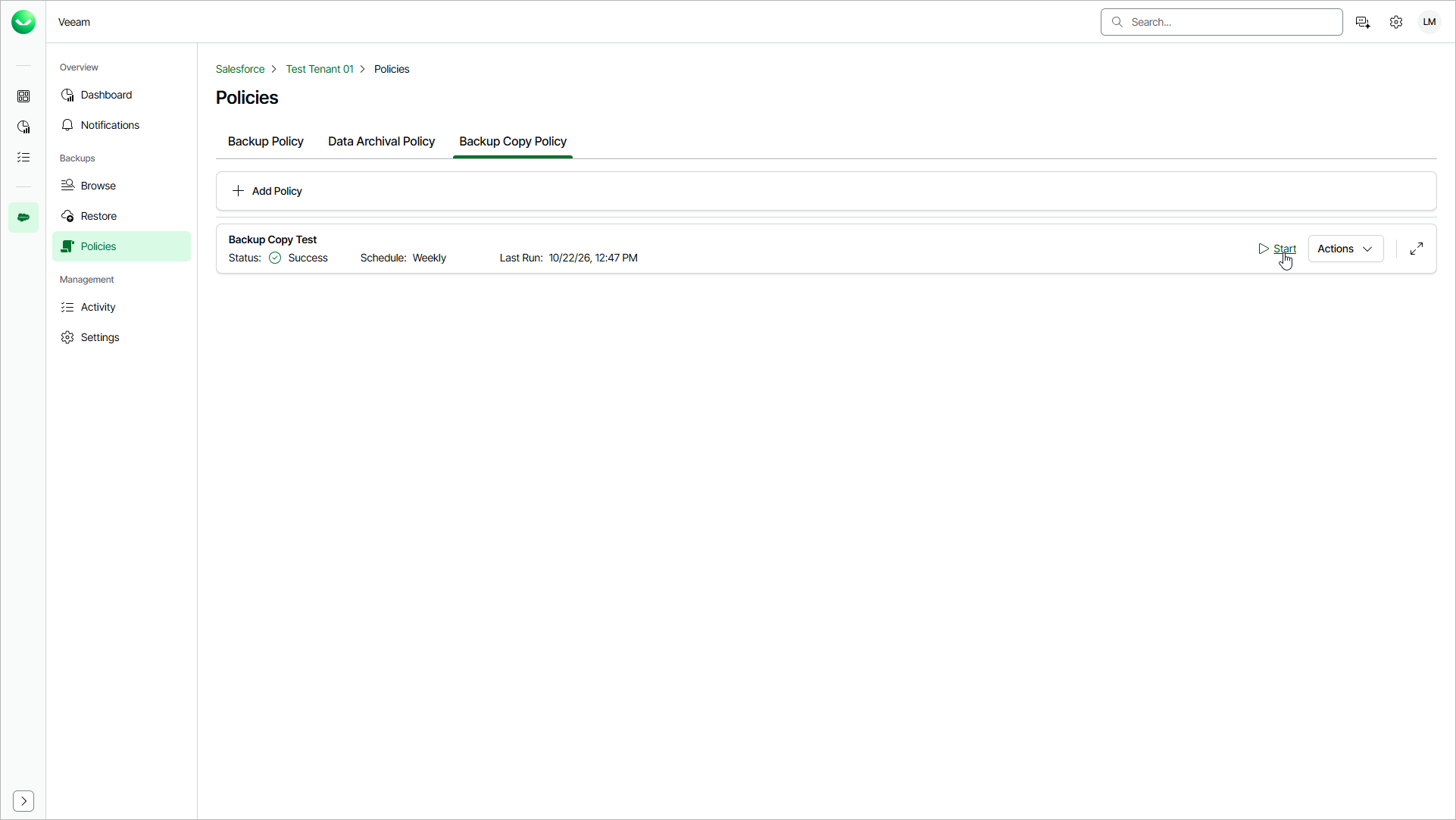
- On the Backup Copy Policy tab, find the policy you need and click Start.
To stop a backup copy policy:
- On the Salesforce page, click the name of the tenant you want to manage.
- To view the policies created for this tenant, select Policies on the left.
- On the Backup Copy Policy tab, find the policy you need and click Stop.
- In the Confirm Backup Copy Job Stop window, click Yes.