Editing Disaster Recovery Plan
Veeam Data Cloud allows you to edit the Disaster Recovery Plan. If the plan is already running, any updates to the plan will be applied in the next run and do not impact the current run.
To edit the Disaster Recovery plan, do the following:
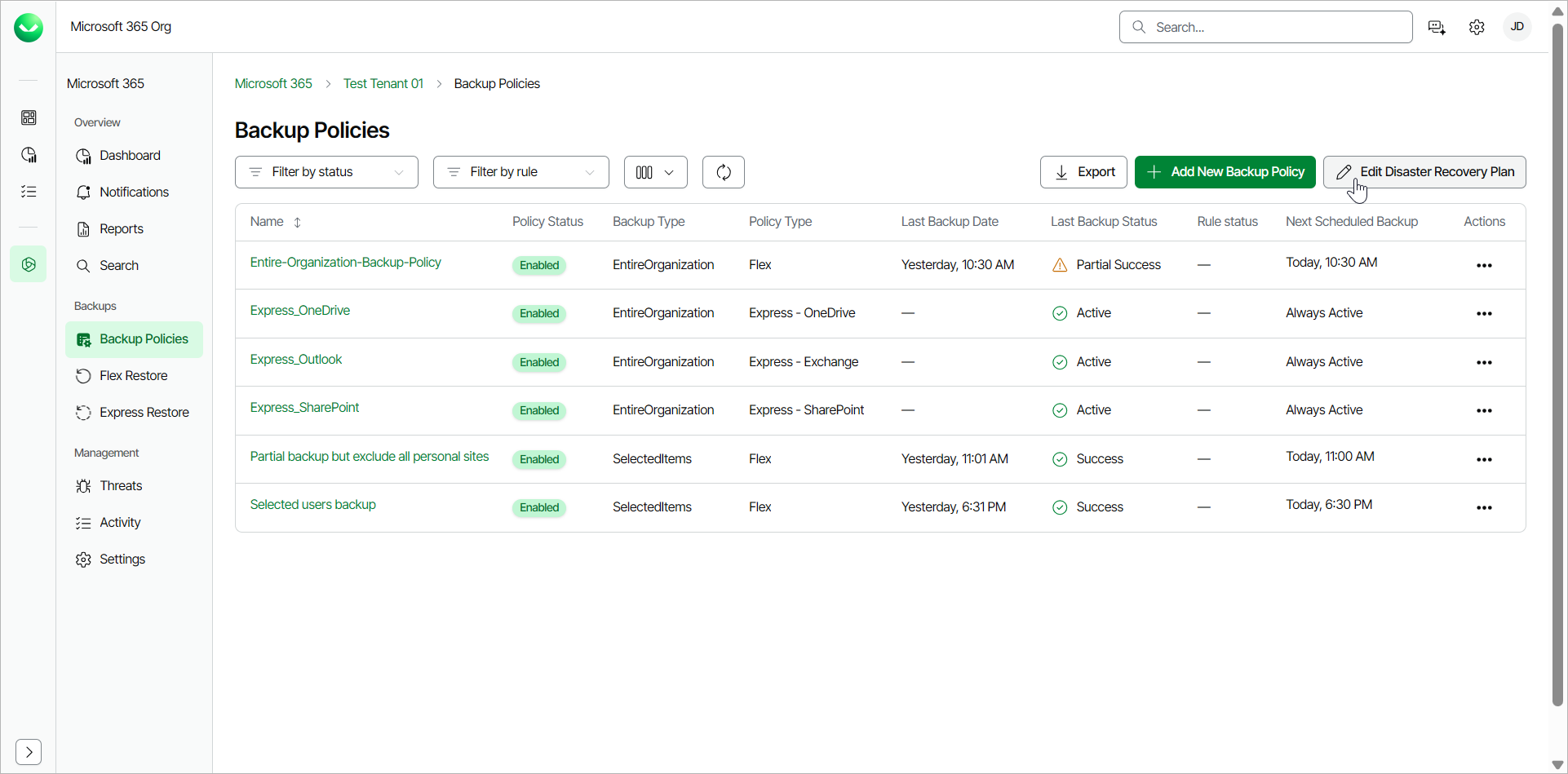
- On the Microsoft 365 page, click the name of the tenant you want to manage.
- Select Backup Policies.
- On the Backup Policies page, click Edit Disaster Recovery Plan.
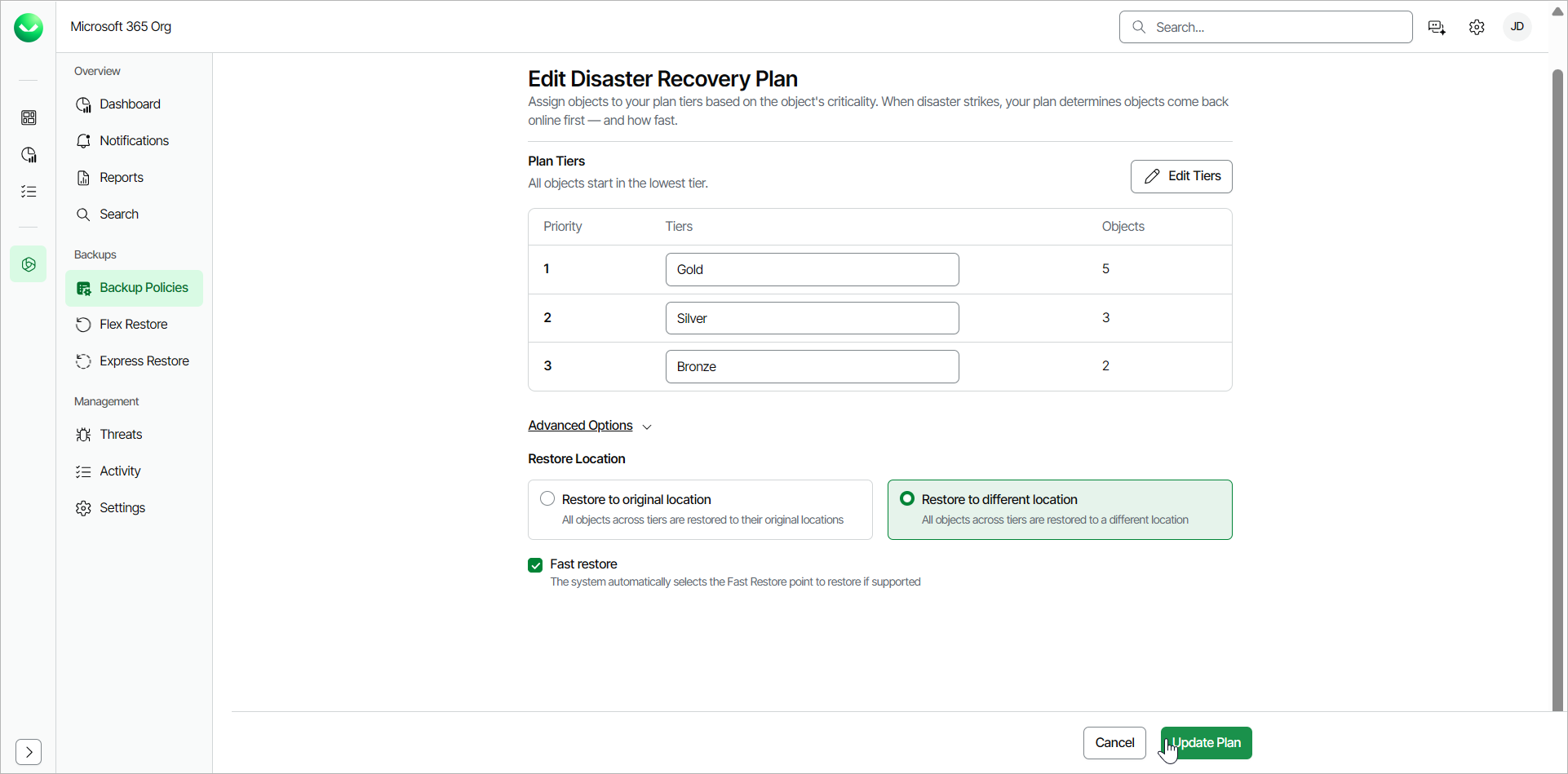
- On the Edit Disaster Recovery Plan page, change settings as required. For more information, see Creating Disaster Recovery Plan.
- Click Update Plan to save the changes you specified.
Veeam Data Cloud diplays a notification that you successfully updated the Disaster Recovery plan.