Editing Product Scope
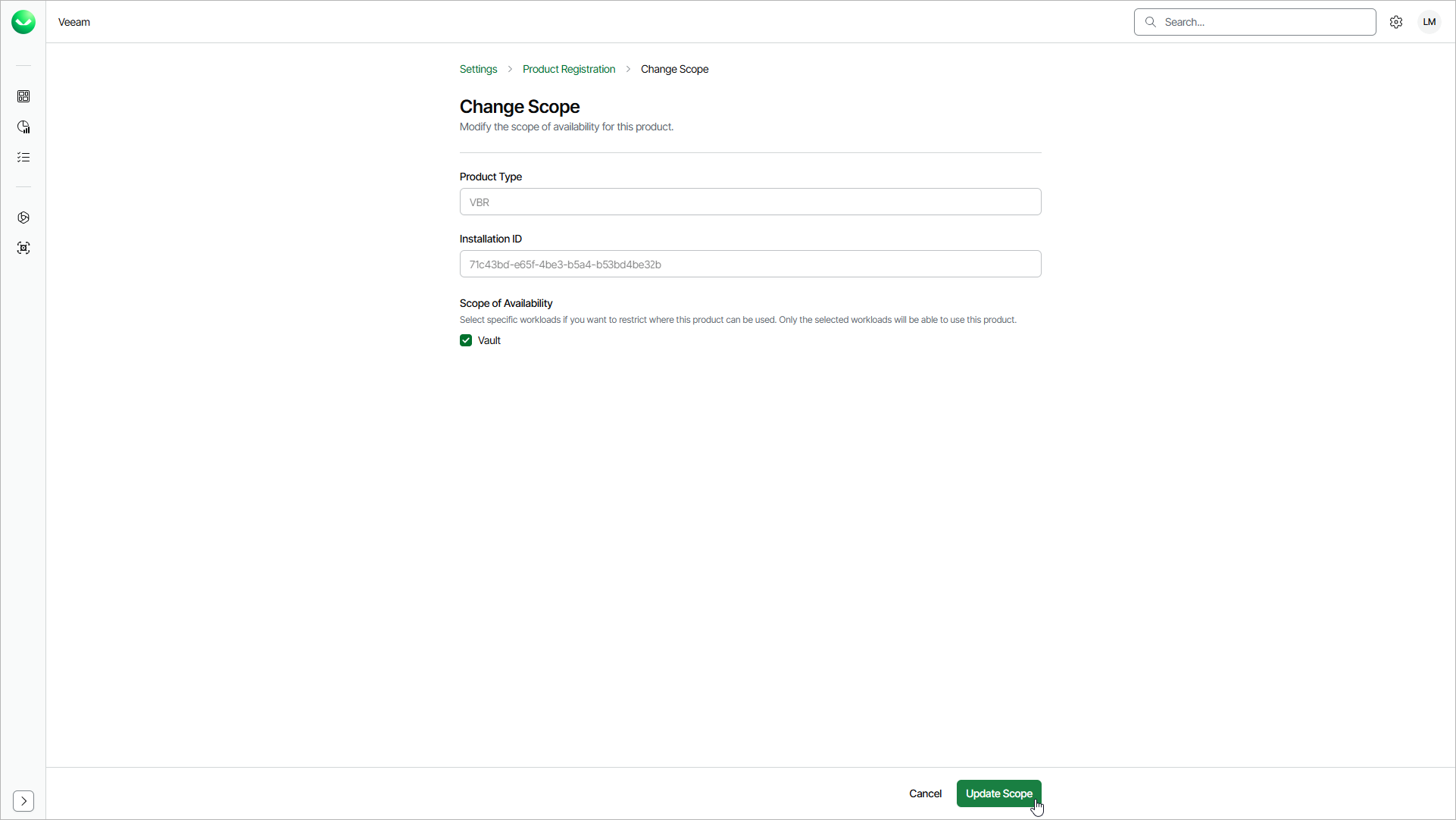
The scope of availability defines which workloads can use a registered product. After you register a product, you can change its scope of availability, but you cannot change the organization, product type or installation ID.
To change the scope of availability for a registered product, do the following:
-
Click the settings icon in the top-right corner.
- Select Product Registration.
- On the Product Registration page, in the Actions column of the product you want to edit, click the menu icon and select Change Scope.
- In the Scope of Availability section, select or clear the check boxes next to the workloads you want to allow or prevent from using the product.
- Click Update Scope to save the changes.