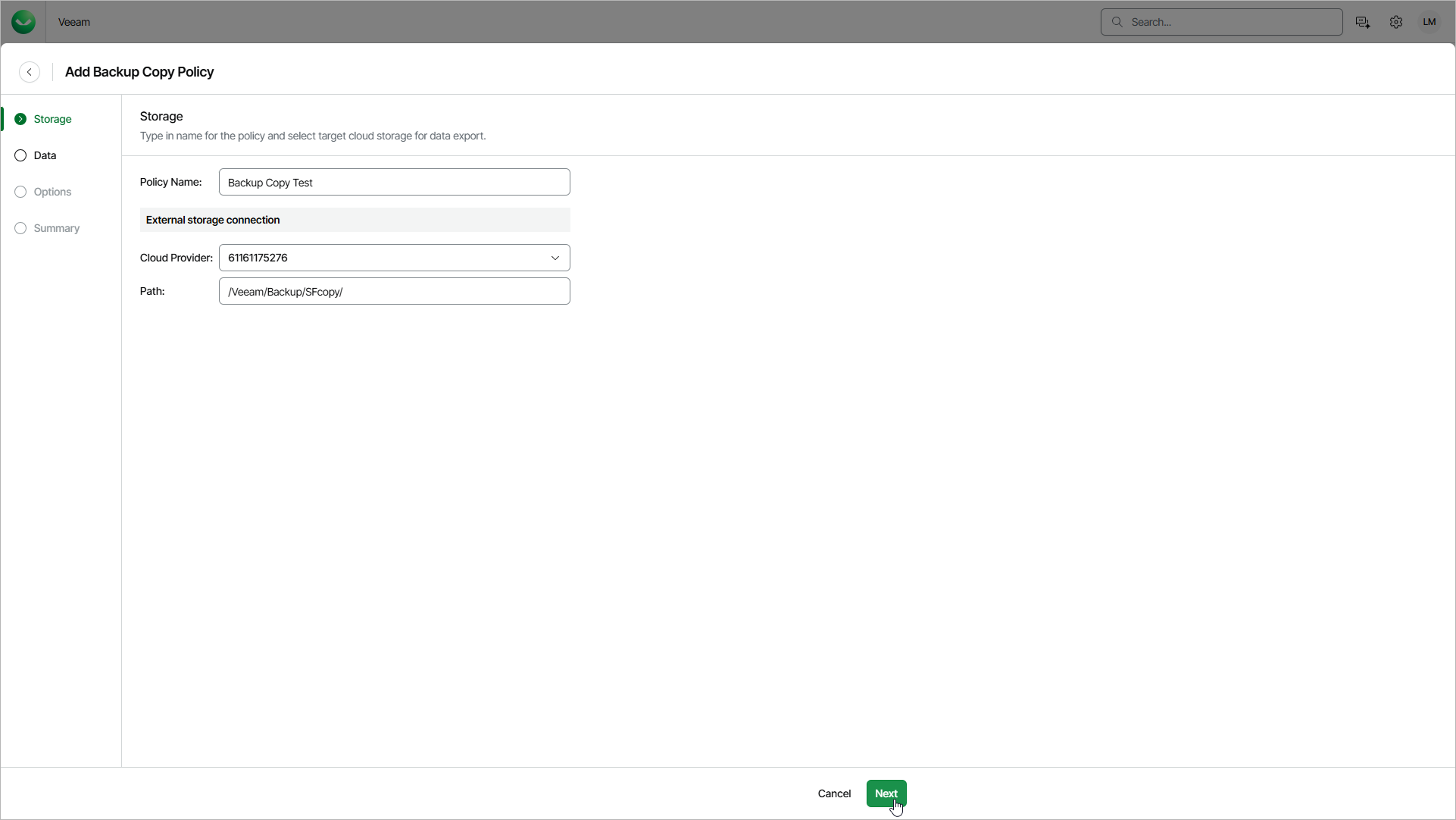
Step 2. Specify Backup Copy Storage
At the Storage step of the wizard, do the following:
- In the Policy Name field, enter a name for the backup copy policy.
- In the External storage connection section, from the Cloud Provider drop-down list, select the object storage connection that Veeam Data Cloud will use to copy backed-up data.
For a connection to be displayed in the list, you must add it to Veeam Data Cloud in advance. For details, see Configuring Object Storage Connections. Veeam Data Cloud copies backups only to Microsoft Azure Blob Storage containers. Amazon S3 buckets are not supported.
- In the Path field, specify a path to the folder in the bucket or container where Veeam Data Cloud will store the copied files — for example, /Veeam/Backup/SFcopy/.