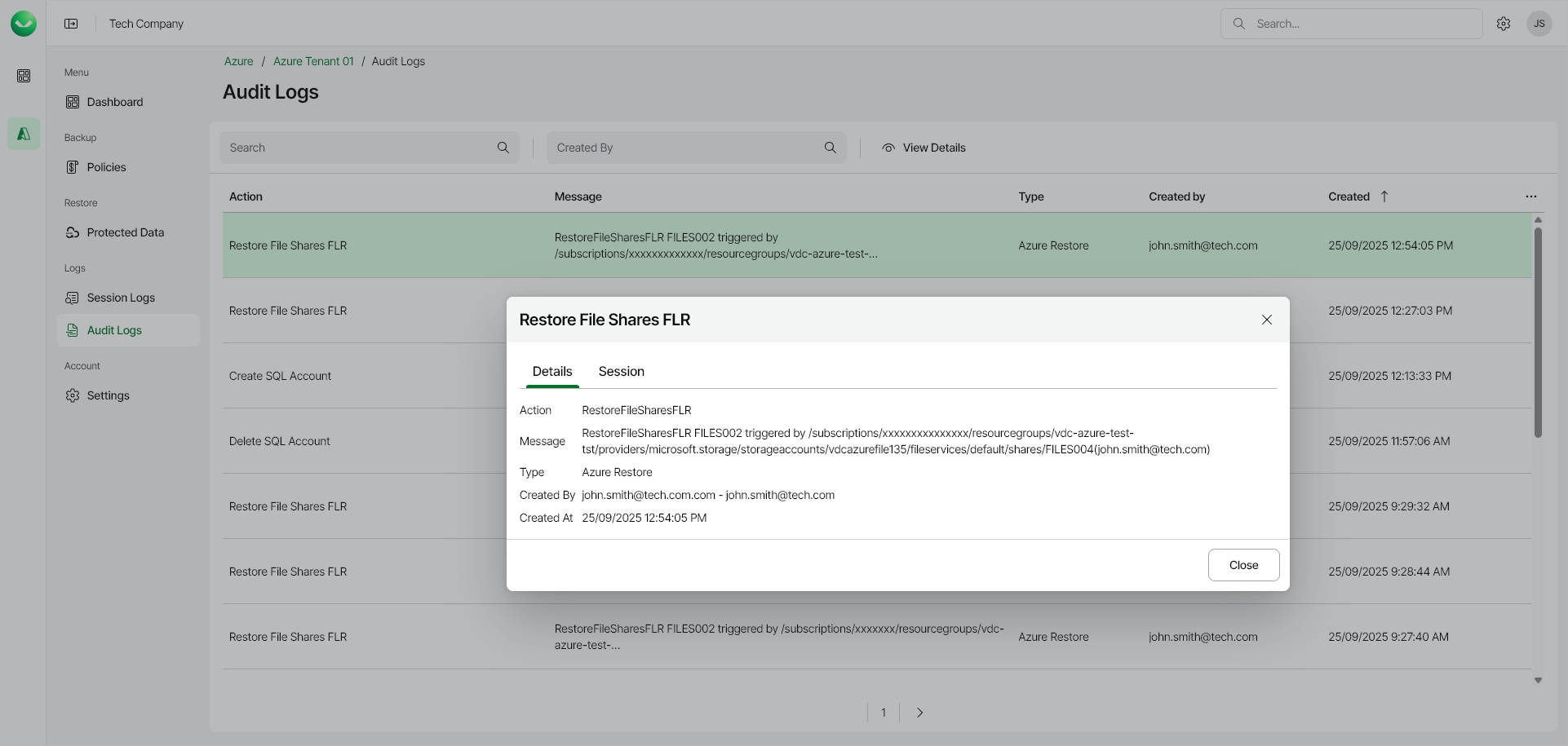
Viewing Audit Logs
To view the list of all user actions, open the Audit Logs page in the Management section of the main menu. To view user action details, right-click a selected action and choose View Details.
To export the list of user actions to a CSV file, click Export to CSV. In the Export to CSV window, specify the From and To date and time, click Export to CSV, and specify the location where you want to save the file.
|
Note |
|
The date range must not exceed 6 months. The exported file contains only the columns displayed in the list and reflects the current search, filter and sort settings. |