Editing Object Storage Connections
You may need to edit an object storage connection to update its details, for example, when the access keys change or the backup files are moved to another bucket or container.
To edit an object storage connection, do the following:
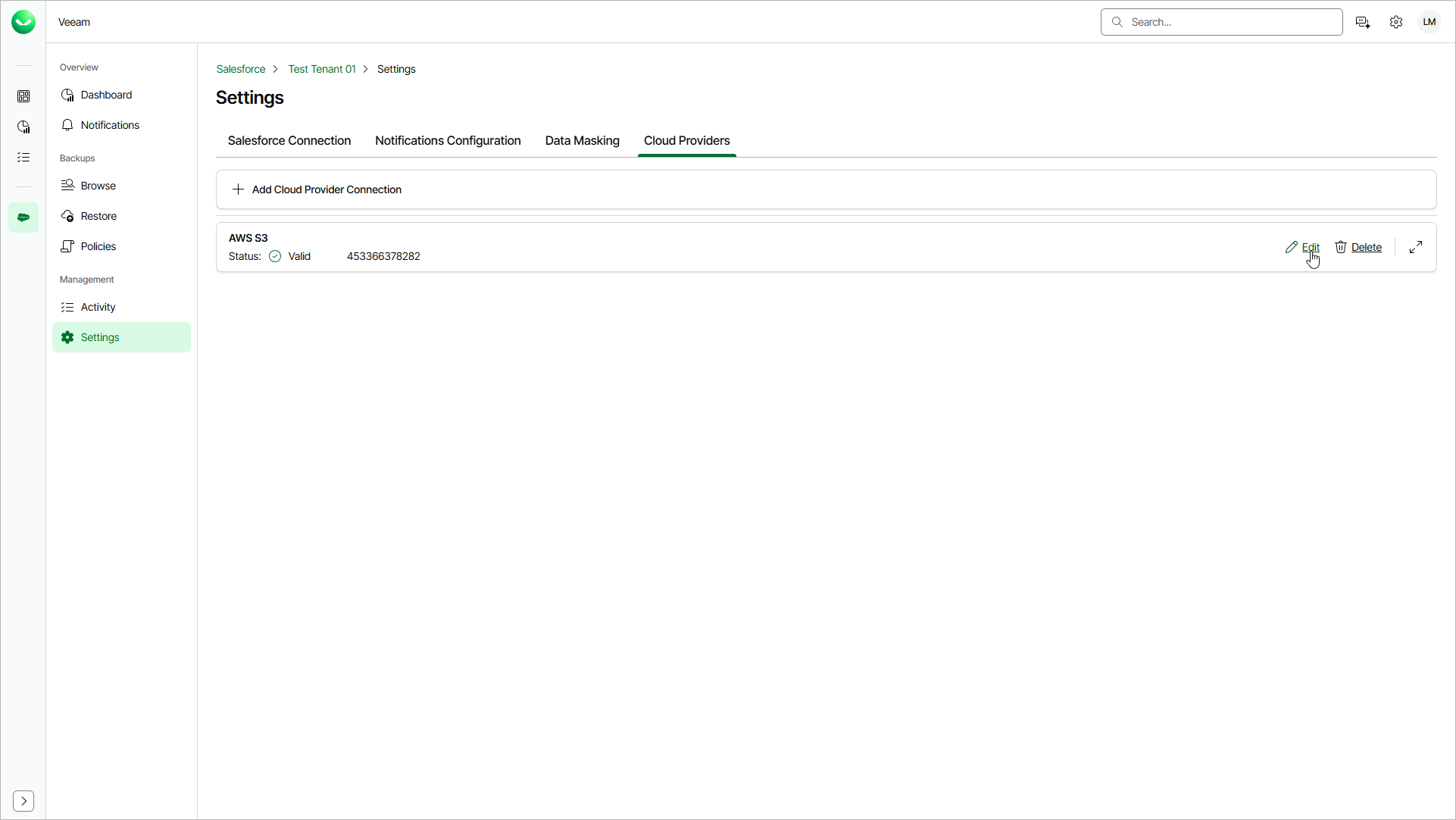
- On the Salesforce page, click the name of the tenant you want to manage.
- Select Settings.
- Select the Cloud Providers tab.
- Click Edit next to the connection you want to edit.
- Update the connection details as described in section Adding AWS S3 Connection or Adding Microsoft Azure Blob Storage Connection.