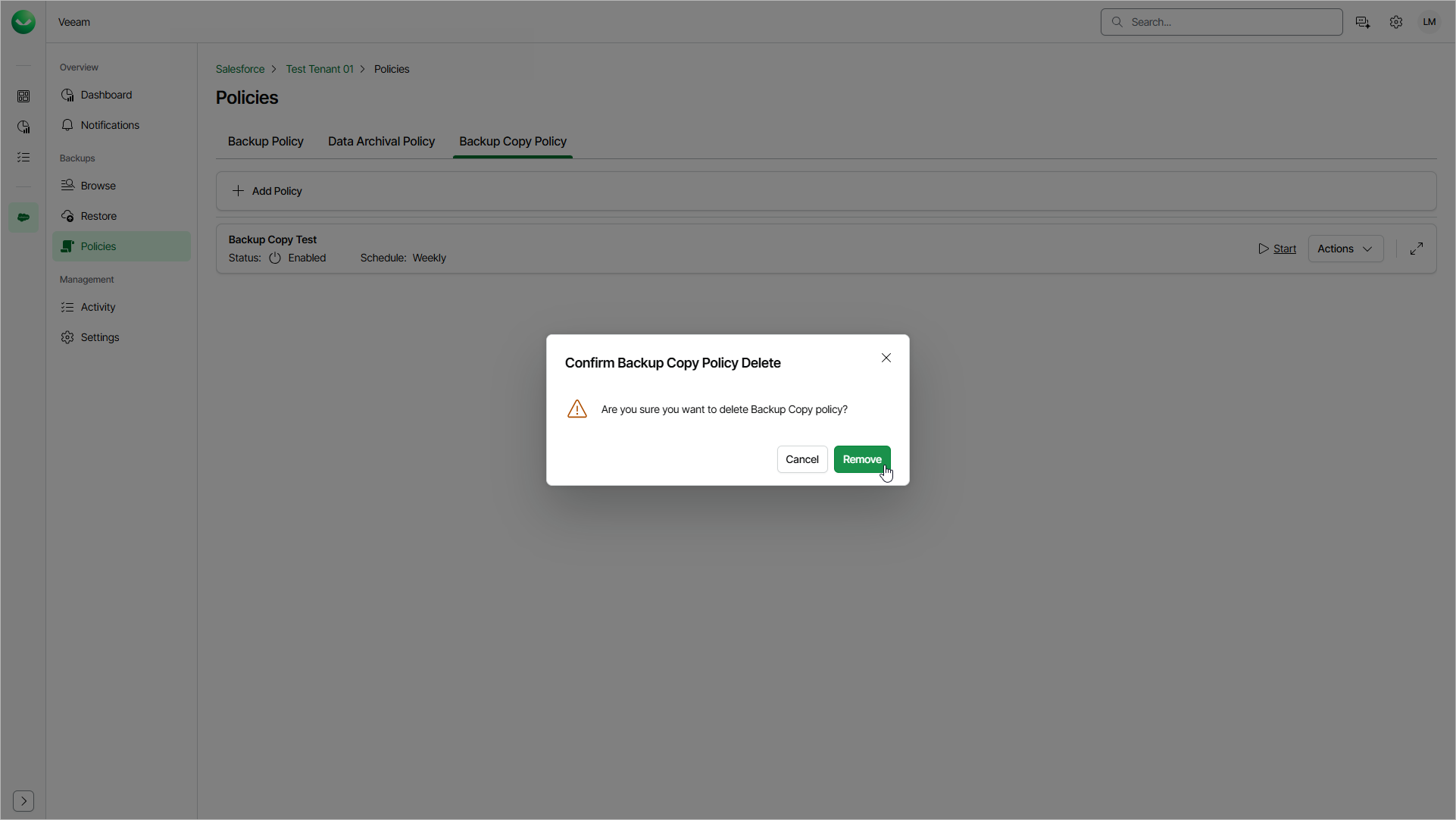
Removing Backup Copy Policies
Veeam Data Cloud allows you to permanently remove a backup copy policy if you no longer need it. When you delete a backup copy policy, the files that have already been copied to object storage will not be affected.
To delete a backup copy policy, do the following:
- On the Salesforce page, click the name of the tenant you want to manage.
- To view the policies created for this tenant, select Policies on the left.
- On the Backup Copy Policy tab, find the policy you need and select Actions > Delete.
- In the Confirm Backup Copy Policy Delete window, click Remove to confirm the deletion.