Step 8. Complete Policy Configuration
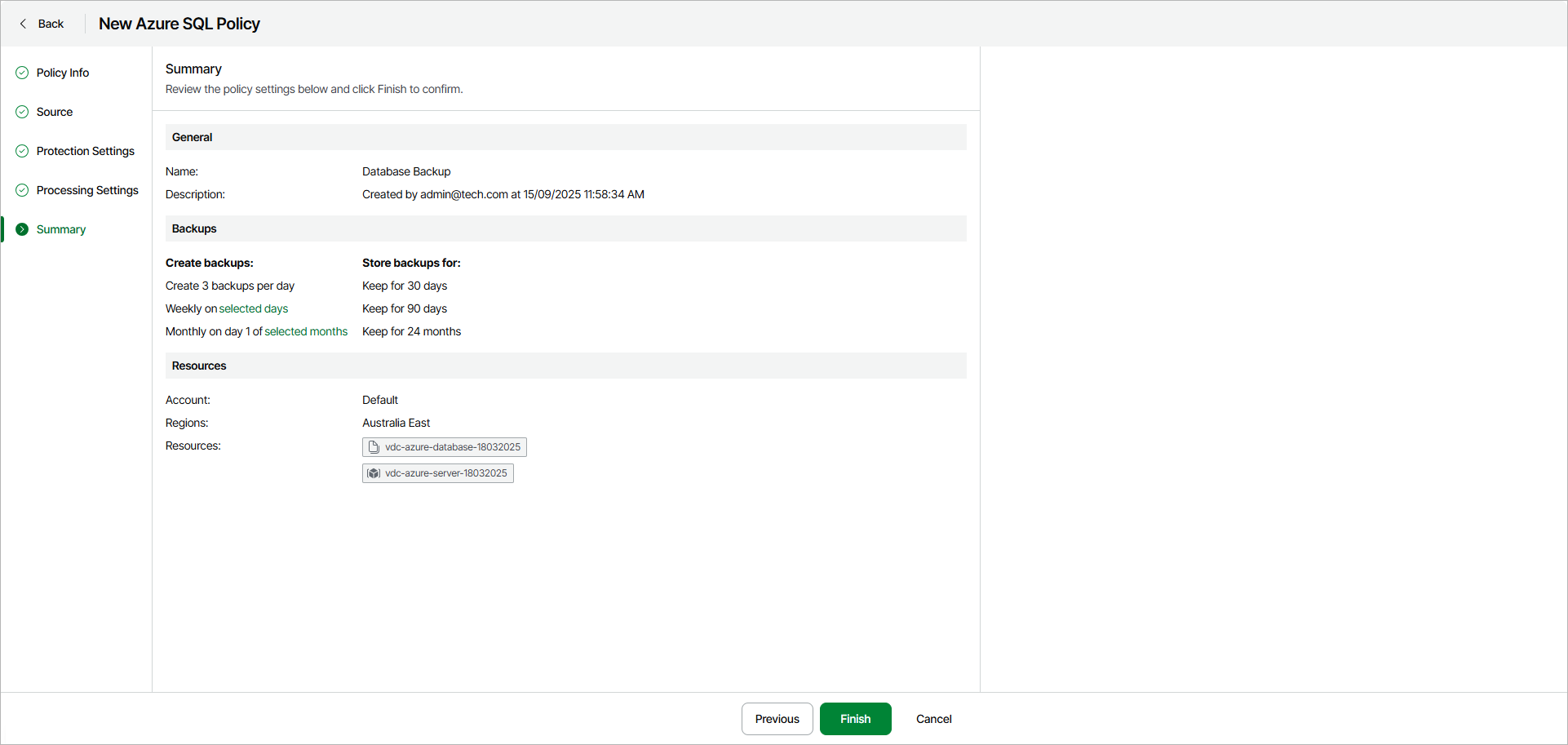
At the Summary step of the wizard, do the following:
- Review the backup policy settings.
- To verify that the permissions and network settings required for the backup process are configured properly, click Test configuration. When the test completes, review its results in the Policy configuration test window and click Close.
Keep in mind that the configuration test may take a significant amount of time to complete.
- If the configuration test has returned any warnings or errors, fix the reported issues. Then click Finish.