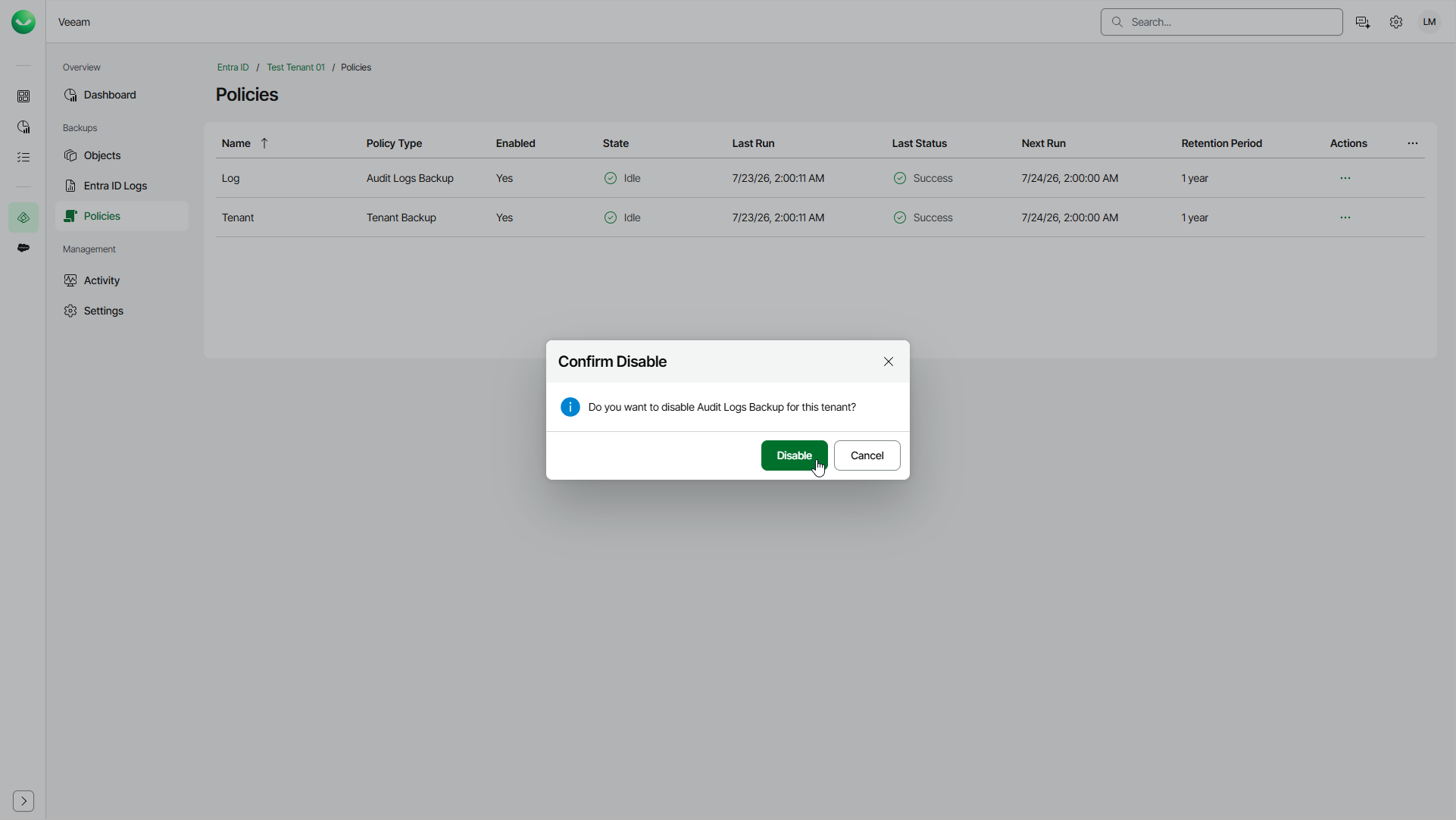
Enabling and Disabling Backup Policies
By default, Veeam Data Cloud runs all created backup policies according to the schedule. However, you can temporarily disable a backup policy so that Veeam Data Cloud does not run it automatically, then enable it later. You cannot enable a disabled backup policy if your Entra ID tenant has the In Retention status.
This setting affects the whole backup policy, and you cannot select specific objects or object types.
To enable a policy, do the following:
- On the Entra ID page, click the name of the tenant you want to manage.
- Select Policies.
- On the Policies page, in the Actions column of the policy that you want to enable, click the menu icon and select Enable.
- In the Confirm Enable window, click Enable.
To disable a policy, do the following:
- On the Entra ID page, click the name of the tenant you want to manage.
- Select Policies.
- On the Policies page, in the Actions column of the policy that you want to disable, click the menu icon and select Disable.
- In the Confirm Disable window, click Disable.