Editing Database Accounts
For each database account added to Veeam Data Cloud for AWS, you can modify settings configured while adding the account:
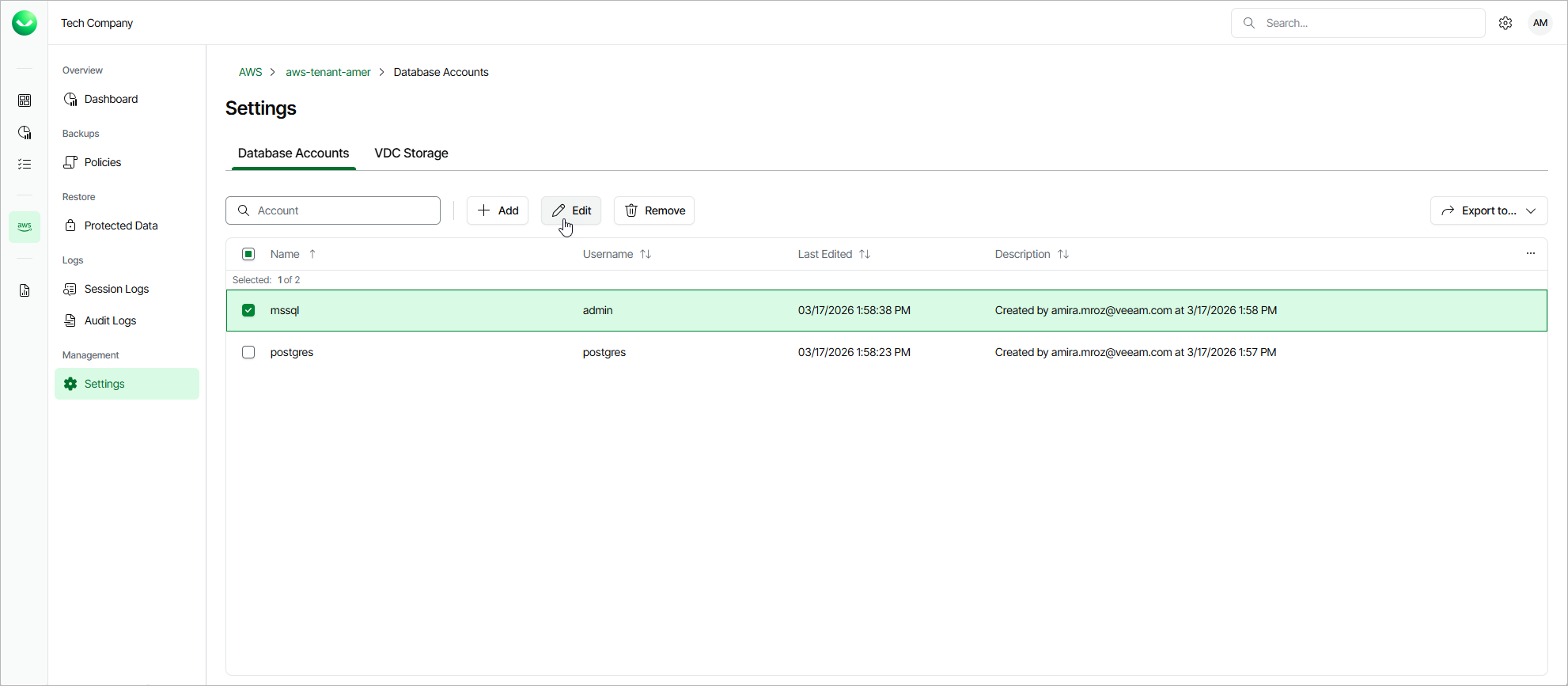
- On the tenant administration page, navigate to Settings > Database Accounts.
- Select the account and click Edit.
- Complete the Edit Account wizard.
- To specify a new name and description for the account, follow the instructions provided in section Adding Database Accounts (step 2).
- To modify the credentials that are used to access databases added to backup policies, follow the instructions provided in section Adding Database Accounts (step 3).
- At the Summary step of the wizard, review summary information and click Finish to confirm the changes.