Removing Object Storage Connections
Veeam Data Cloud allows you to remove an object storage connection if you no longer need it, for example, after you finish importing backups from the object storage.
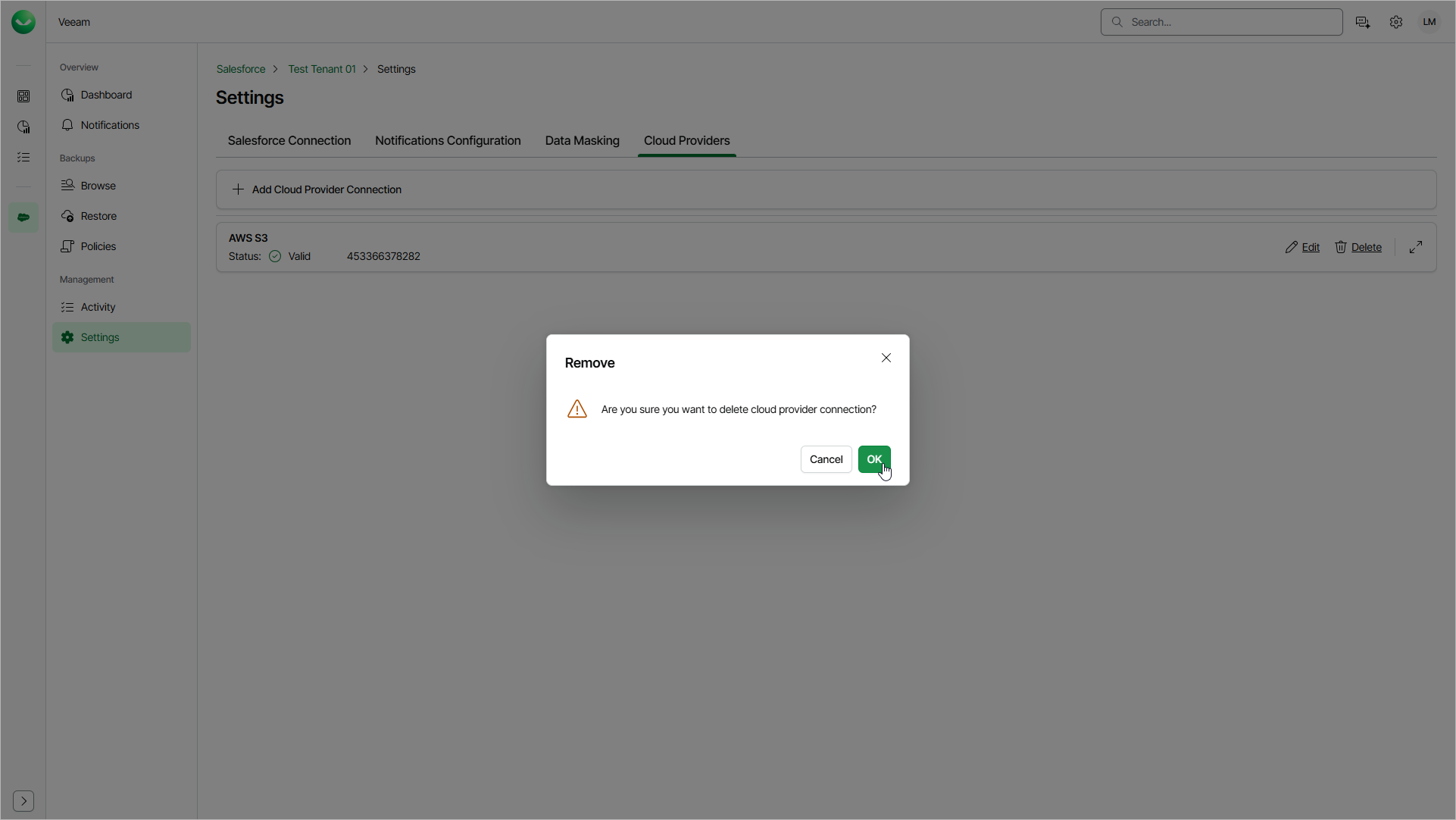
To remove an object storage connection, do the following:
- On the Salesforce page, click the name of the tenant you want to manage.
- Select Settings.
- Select the Cloud Providers tab.
- Click Delete next to the connection that you want to remove.
- Click OK to confirm the deletion.