Editing Backup Copy Policies
You can edit backup copy policies created in Veeam Data Cloud. For example, you may need to change the target storage, modify the list of exported objects, change the policy schedule, and so on.
To edit a backup copy policy, do the following:
- On the Salesforce page, click the name of the tenant you want to manage.
- To view the policies created for this tenant, select Policies on the left.
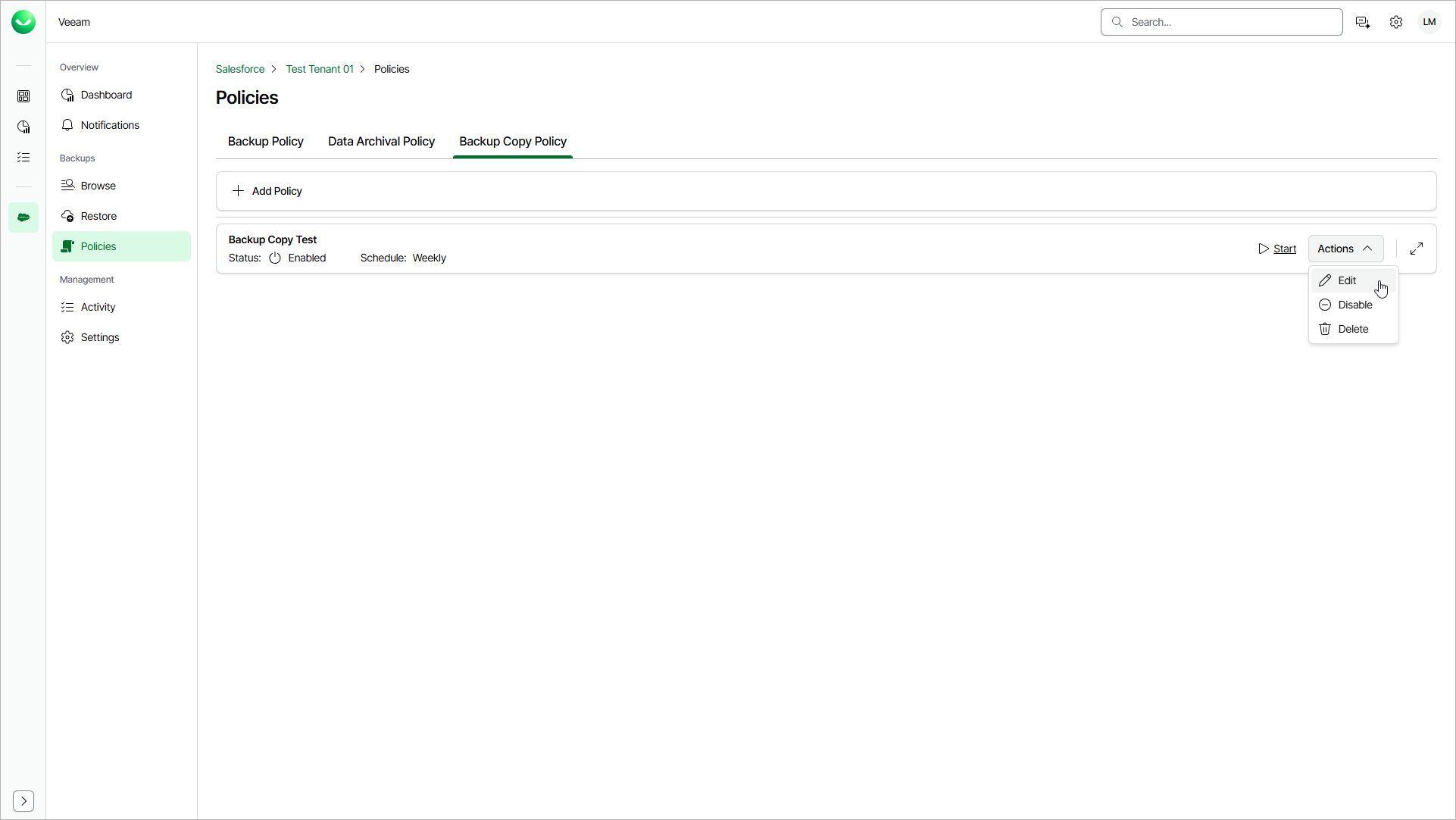
- On the Backup Copy Policy tab, find the policy you need and select Actions > Edit.
- To complete the Edit Backup Copy Policy wizard, you can follow the steps described in Creating Backup Copy Policies.