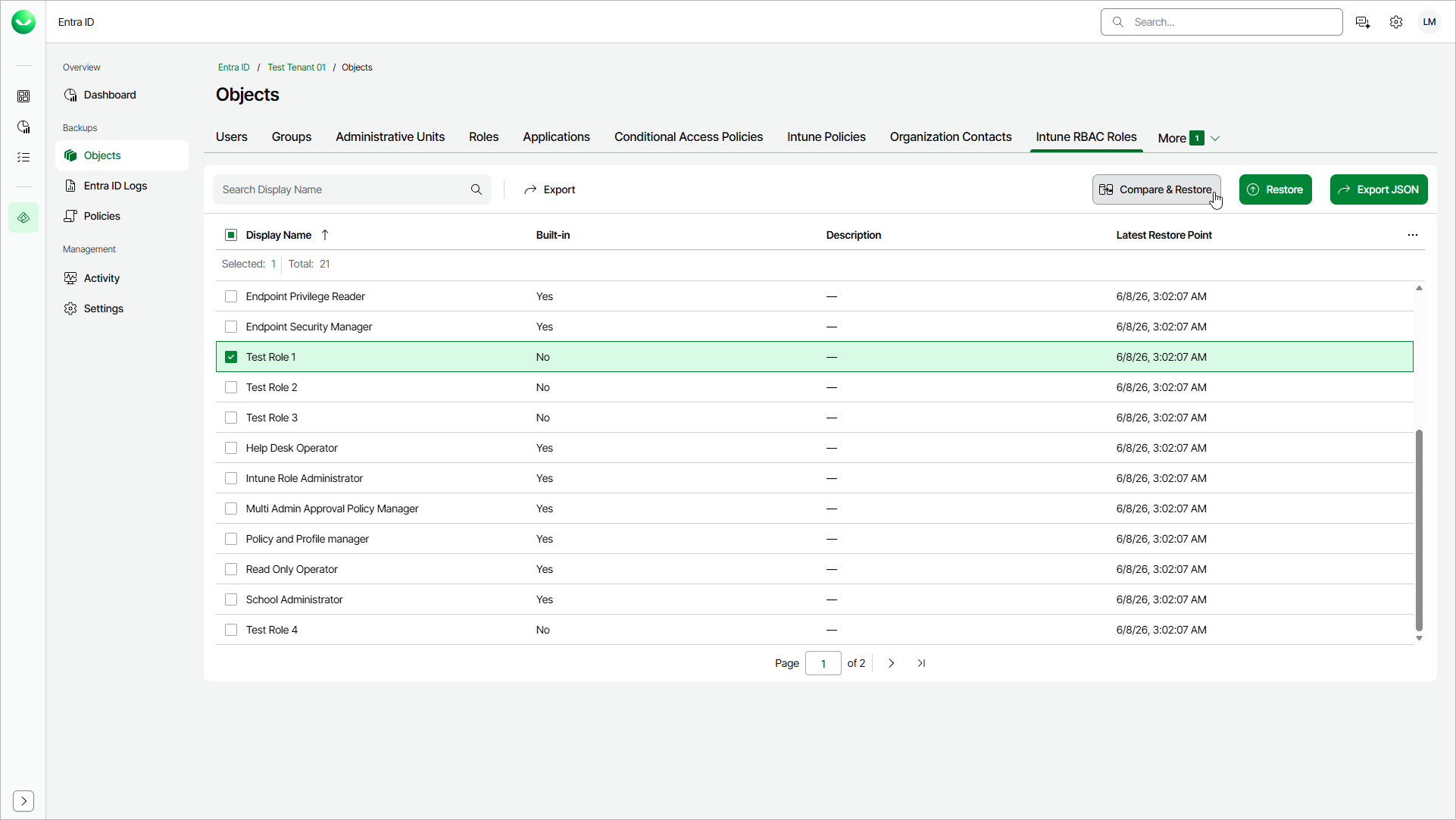
Step 1. Launch Compare and Restore Fields Wizard
To launch the restore wizard, do the following:
- On the Entra ID page, click the name of the tenant you want to manage.
- Select Objects.
- Make sure that the Intune RBAC Roles tab is selected. If the tab is not displayed on the page, click More and select Intune RBAC Roles.
- Select a role whose properties you want to restore.
Tip |
To find a role by its display name, you can use the search field. |
- Click Compare & Restore.