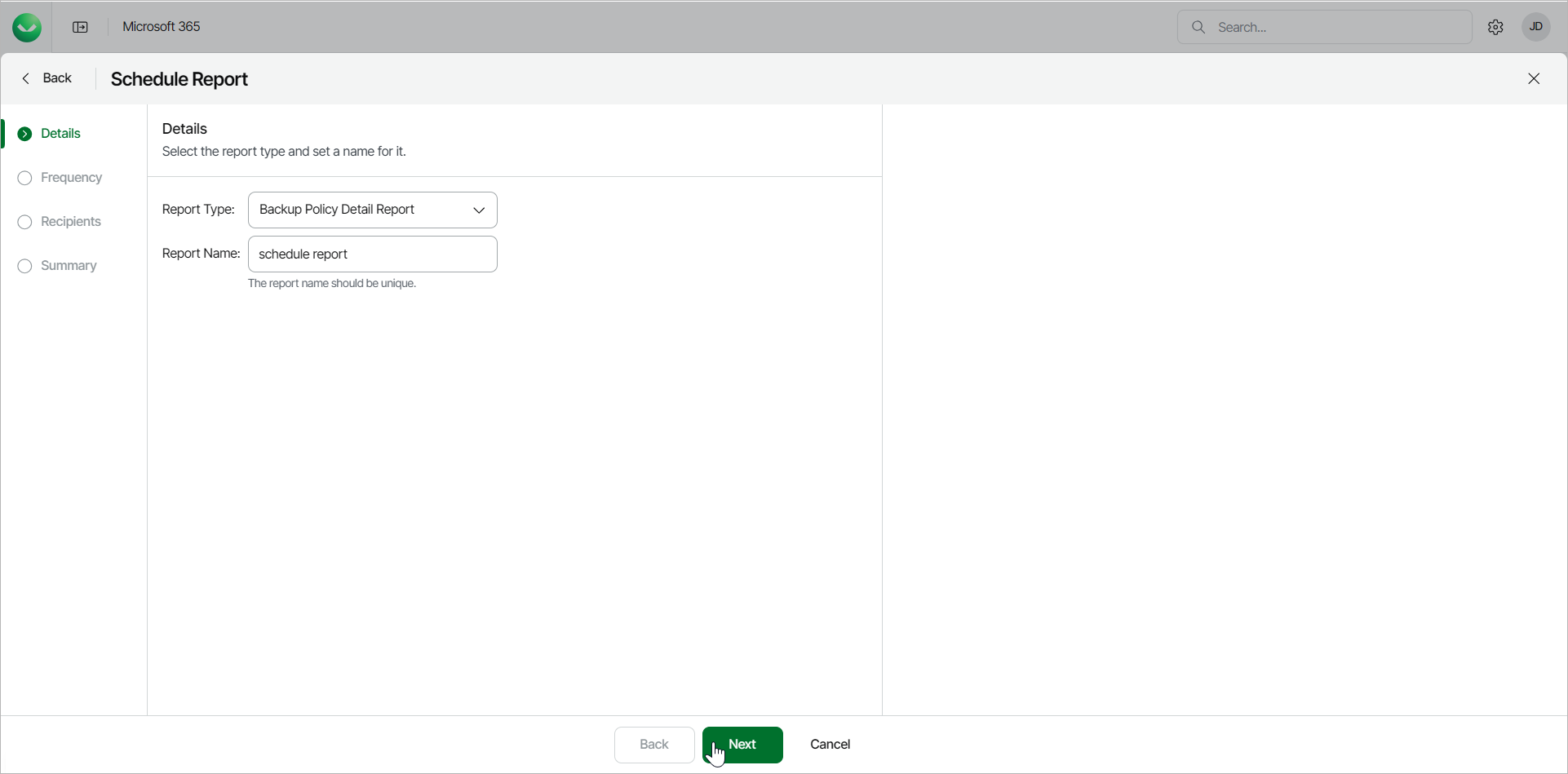
Step 2. Specify Report Details
At the Details step of the wizard, select the type of report you want to schedule and specify a name for the report.
- From the Report Type drop-down list, select the report you want to schedule. The available reports are the following:
- Backup Policy Detail Report
- Backup Summary Report
- Mailbox Protection Report
- Restore Activity Report
- User Protection Report
- In the Report Name field, type a name for the new scheduled report.