Managing Veeam Data Cloud Vault Subscriptions
To let users manage Veeam Data Cloud Vault subscriptions, Veeam offers a centralized tool, the My Account portal. You must obtain a subscription and create at least one storage vault in this subscription to start using Veeam Data Cloud Vault with Veeam Backup & Replication. You can perform these operations in advance or after you initiate the process of connecting the products as described in Connecting Veeam Data Cloud Vault with Veeam Backup & Replication.
Keep in mind that storage space is defined within your subscription, not the limits of your storage vaults. Once you reach your subscription limit, you must purchase another subscription.
To obtain a Veeam Data Cloud Vault subscription, do the following:
- Log in to the Veeam My Account portal.
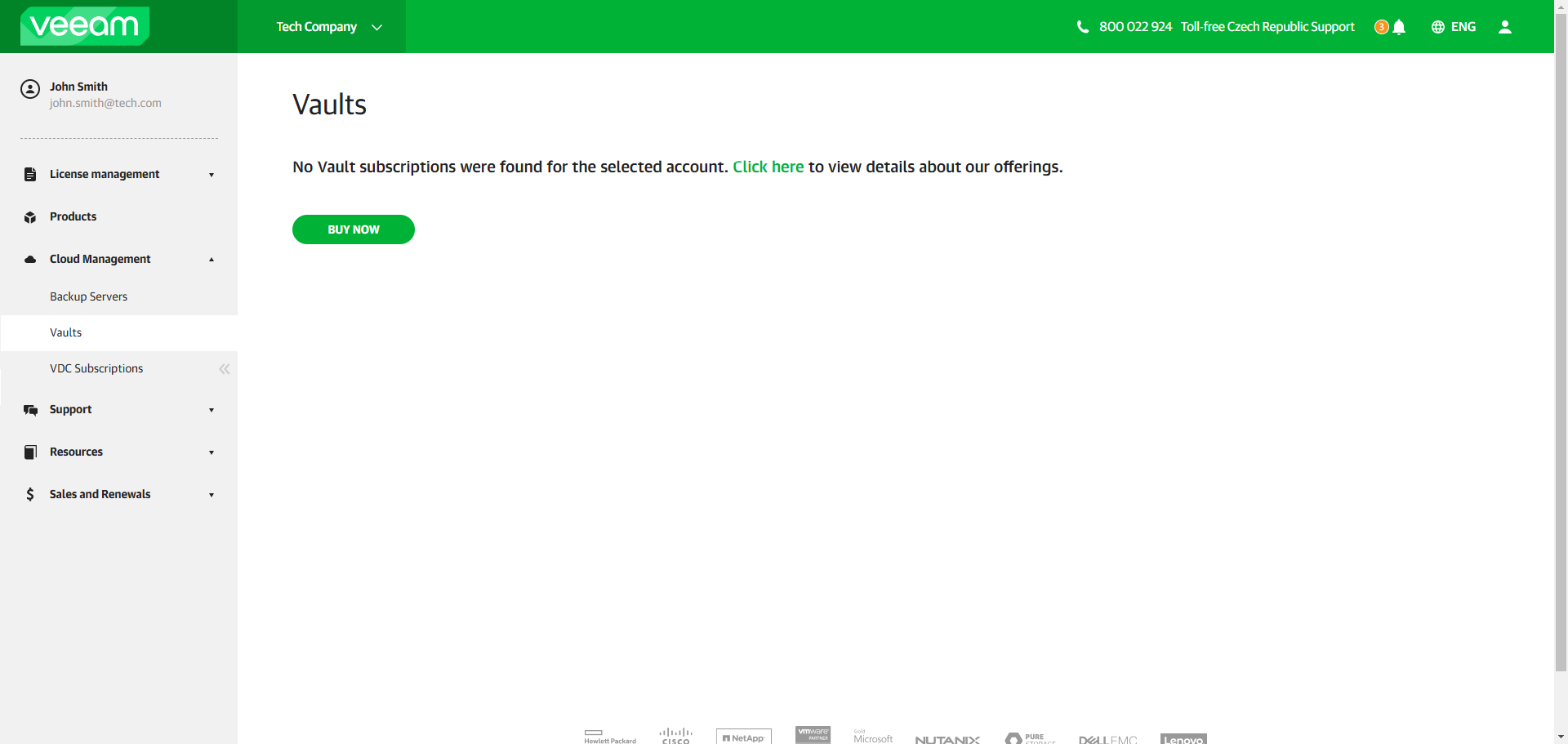
- In the main menu, click Cloud Management > Vaults.
- If your organization has no Veeam Data Cloud Vault subscriptions, the Vaults page will display a message about this along with a link to the Veeam Data Cloud Vault product page on the Veeam website. Click Buy Now and follow the steps on the Veeam website to obtain a subscription.
Tip |
You can add more subscriptions later, if necessary. To do this, navigate to the Vaults page once again. The page will display a list of subscriptions in your organization. Click Buy More to obtain a new subscription. |