Step 1. Launch New Backup Policy Wizard
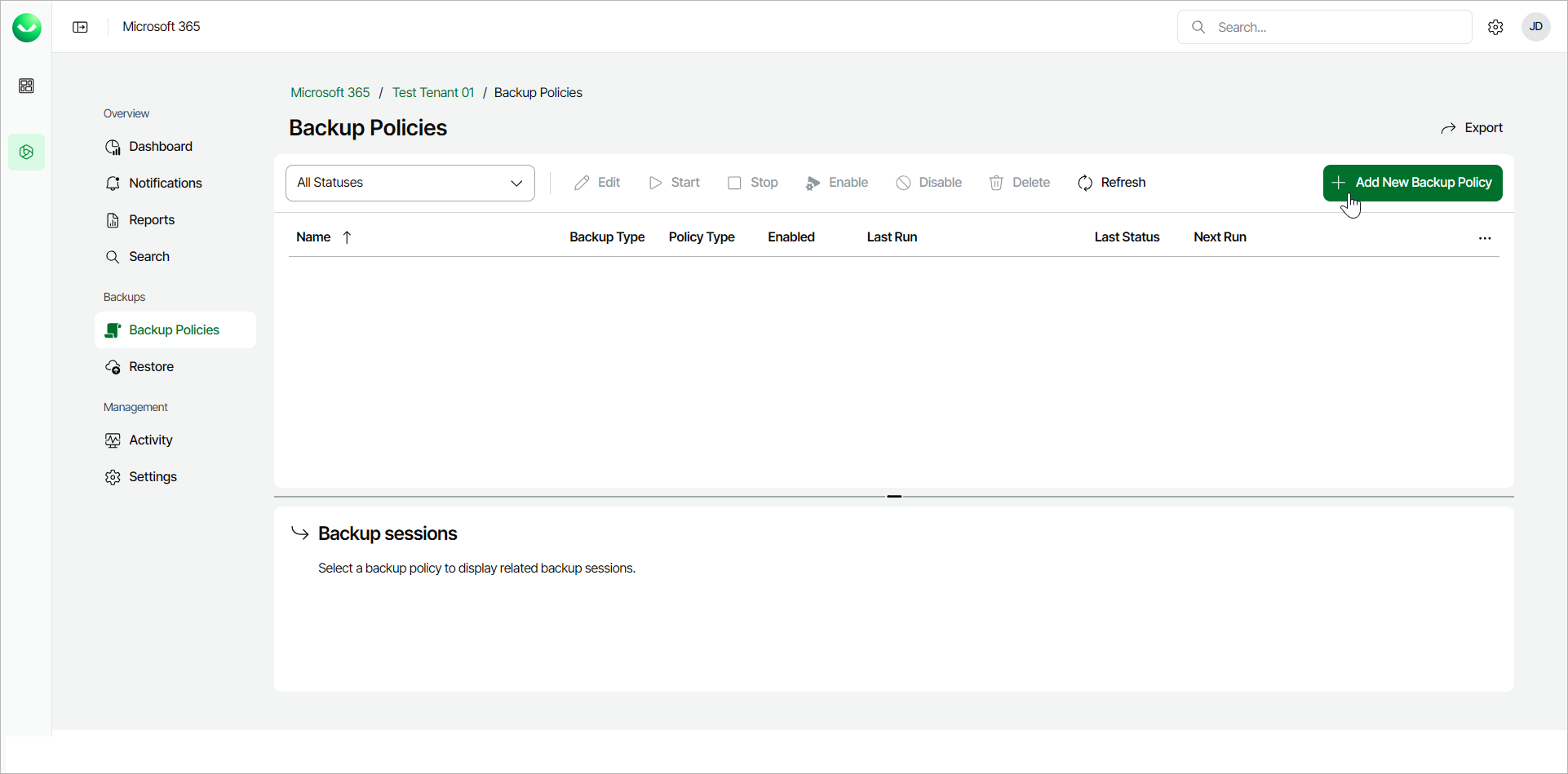
To launch the New Backup Policy wizard, do the following:
- On the Microsoft 365 page, click the name of the tenant you want to manage.
- Select Backup Policies.
- On the Backup Policies page, click Add New Backup Policy.