Step 4. Specify Policy Protection Settings
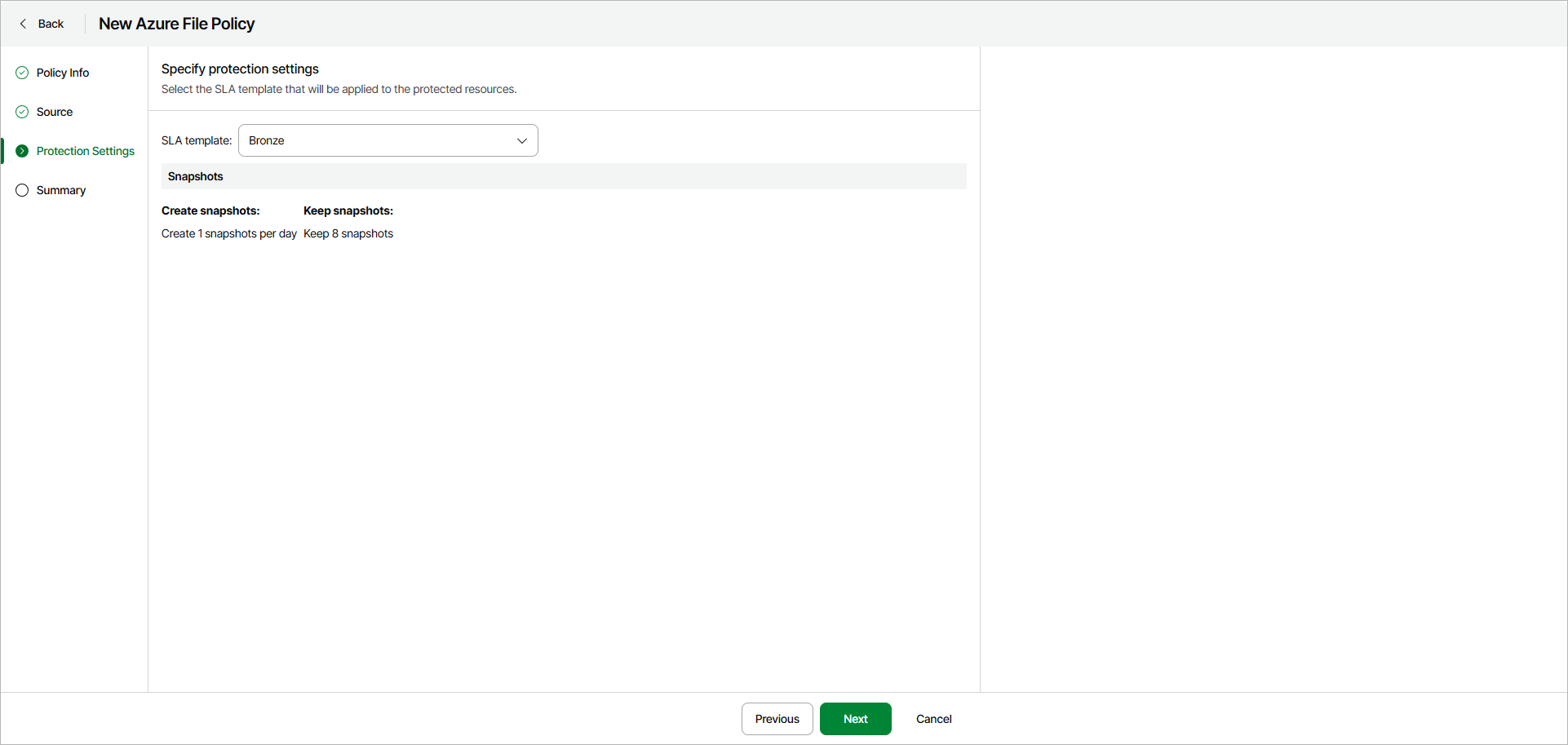
At the Protection Settings step of the wizard, select an SLA template that will be applied to the protected resources.
|
Note |
|
Veeam Data Cloud for Microsoft Azure takes snapshots automatically according to the schedule of the selected SLA template. You cannot modify SLA templates or take ad hoc snapshots manually. |
You can select one of the following SLA templates:
- Gold — select this option if you want to create snapshots every hour and retain them for 1 day.
- Silver — select this option if you want to create snapshots every 8 hours and retain them for 1 day.
- Bronze — select this option if you want to create snapshots once per day and keep them for 7 days.
|
Note |
|
To store backups, Veeam Data Cloud for Microsoft Azure automatically creates a repository in every Azure region whose resources are protected by the backup policy. |