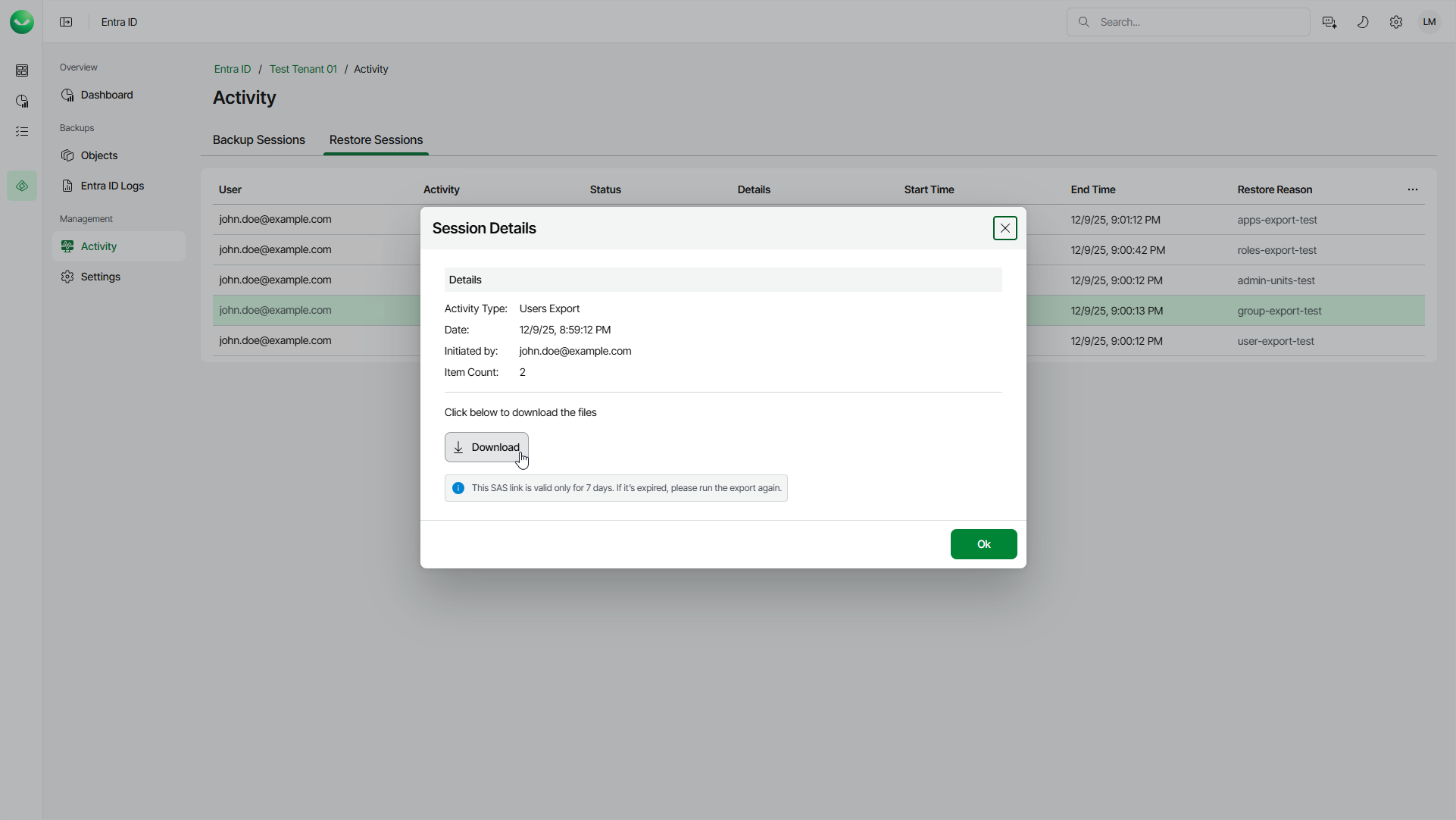
Step 4. Download Exported Files
After Veeam Data Cloud completes the export session, download the exported JSON files. For download, the files are compressed in the ZIP format.
To download the exported files, do the following:
- Select Activity.
- Select the Restore Sessions tab.
- In the list of sessions, click See details here in the Details column of the object export session.
- In the Session Details window, click Download.
The download link is valid for 7 days. When the link expires, start a new export session.