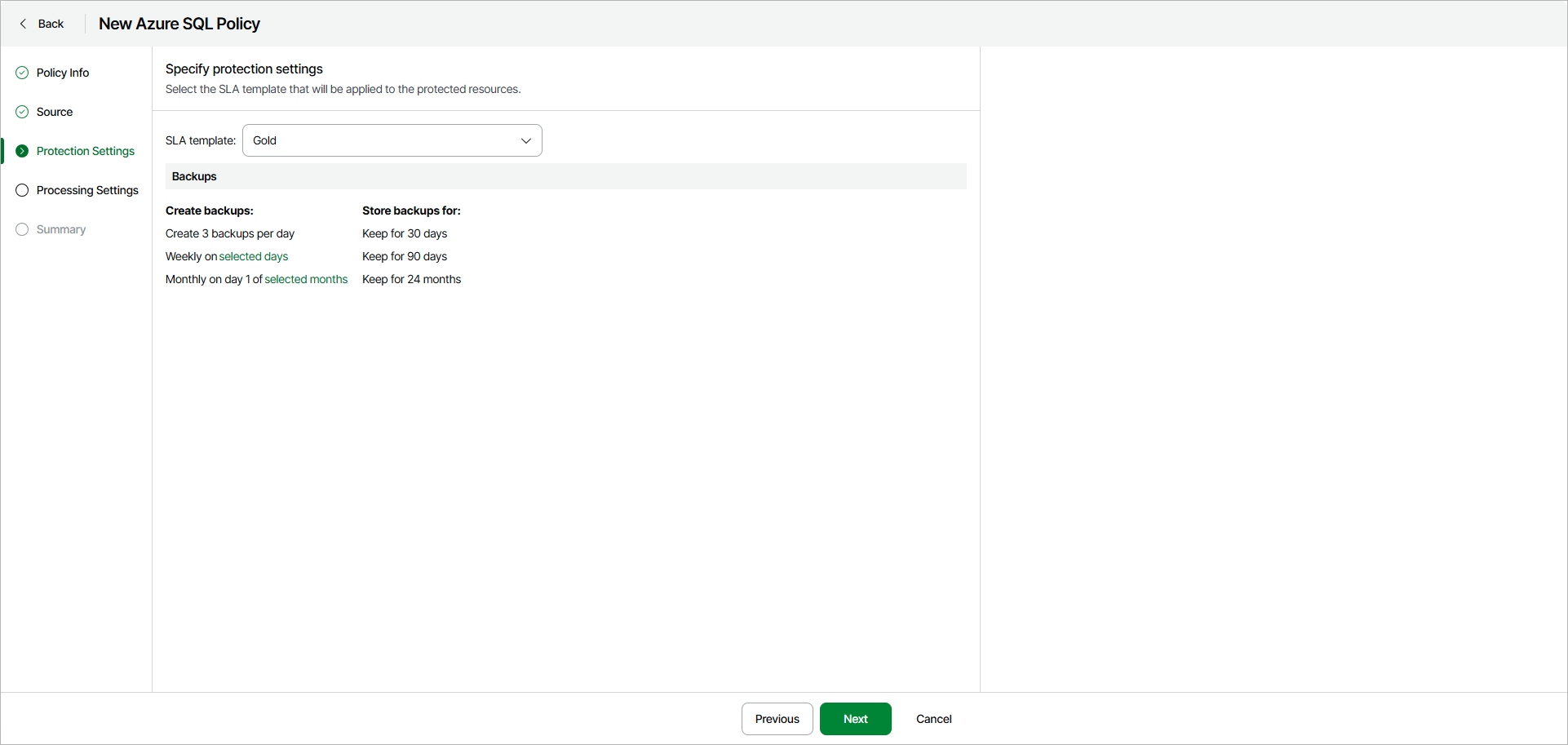
Step 4. Specify Policy Protection Settings
At the Protection Settings step of the wizard, select an SLA template that will be applied to the protected resources.
|
Note |
|
Veeam Data Cloud for Microsoft Azure creates backups automatically according to the schedule of the selected SLA template. You cannot modify SLA templates or run ad hoc backups manually. |
You can select one of the following SLA templates:
- Gold — select this option if you want to create backups with the following settings:
- Daily backups are created every 8 hours and retained for 30 days.
- Weekly backups are created once per day and retained for 90 days.
- Monthly backups are created on the first day of each month and retained for 24 months.
- Silver — select this option if you want to create backups with the following settings:
- Weekly backups are created once per day and retained for 30 days.
- Monthly backups are created on the first day of each month and retained for 12 months.
- Bronze — select this option if you want to create backups with the following settings:
- Weekly backups are created every Monday and retained for 30 days.
- Monthly backups are created on the first day of each month and retained for 12 months.
|
Note |
|
To store backups, Veeam Data Cloud for Microsoft Azure automatically creates a repository in every Azure region whose resources are protected by the backup policy. |