Deleting Integrations
You can delete an integration if you no longer need it.
To delete an integration, do the following:
- Click the settings icon in the top-right corner.
- Select Integrations.
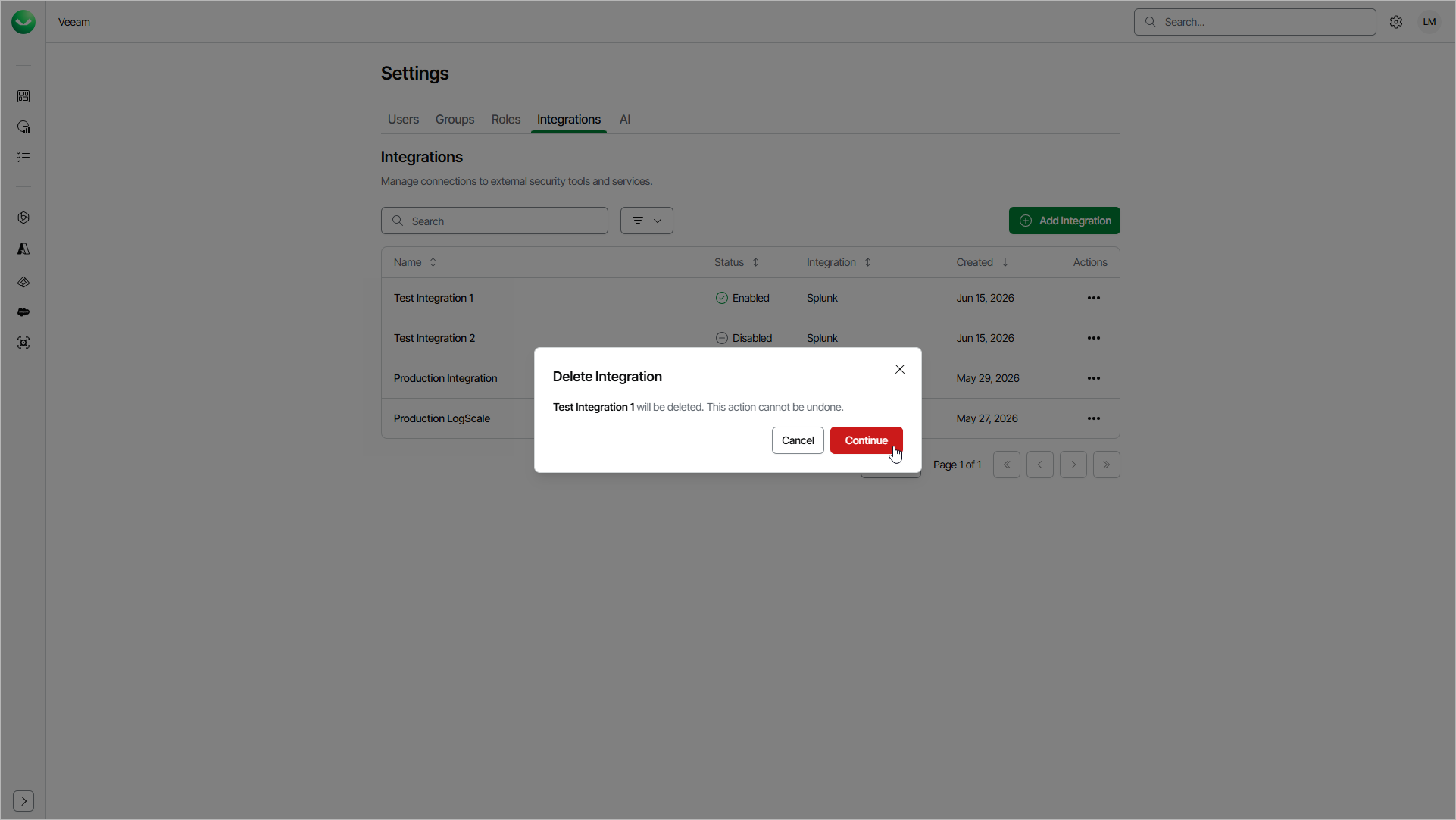
- On the Integrations page, in the Actions column of the integration you want to delete, click the menu icon and select Delete.
- Click Continue to confirm the deletion.
Note |
Deleting an integration permanently removes its configuration, and Veeam Data Cloud stops forwarding events to the destination. To temporarily stop forwarding events without removing the integration, disable it instead. For details, see Enabling and Disabling Integrations. |