Starting Backup Policies
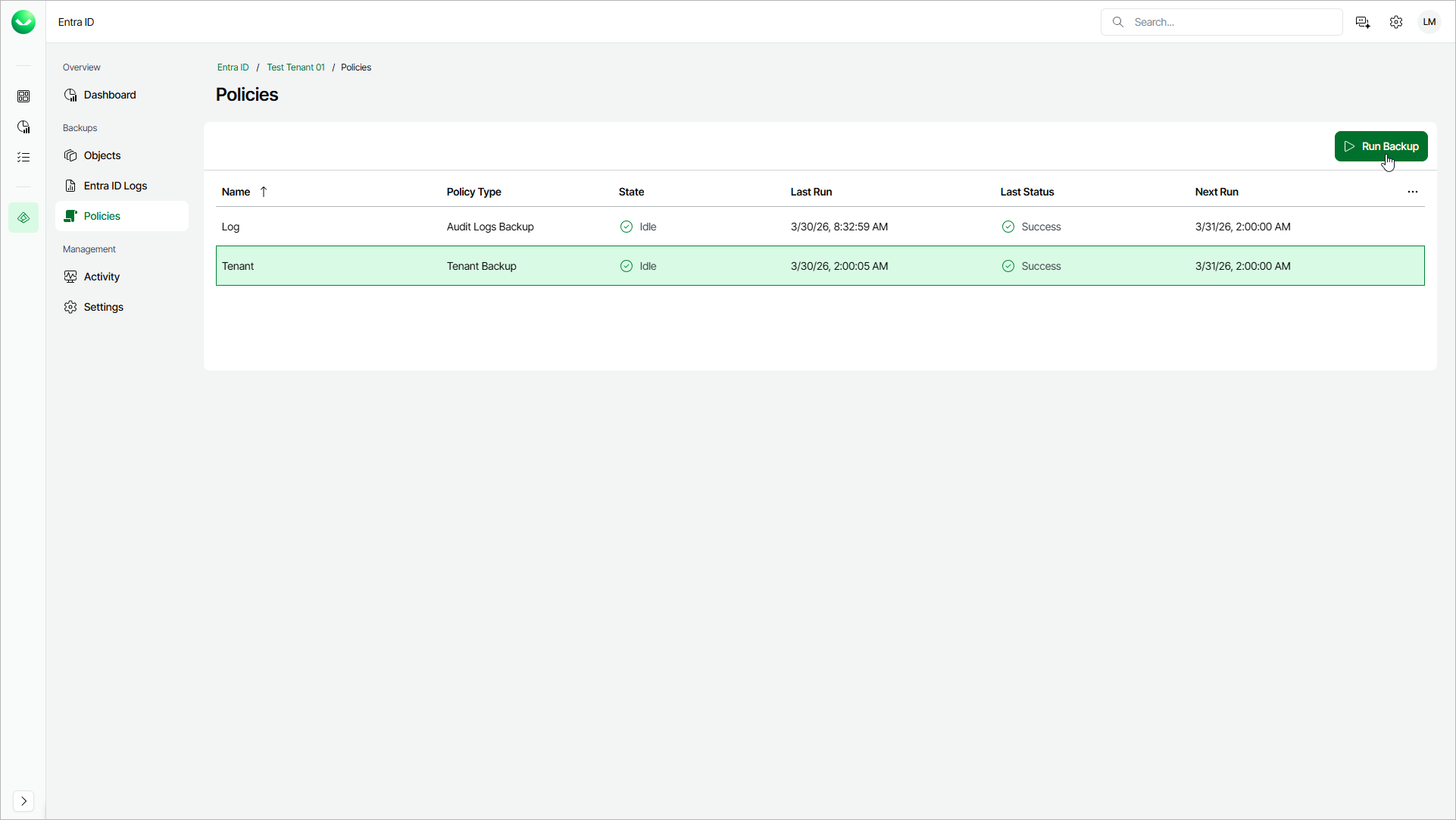
You can manually start an Entra ID backup policy to create an immediate restore point for your Microsoft Entra ID objects and logs. This helps you reduce risk before you make sensitive configuration changes in your Microsoft Entra ID tenant when scheduled backups do not align with the planned time of the changes.
To start a backup policy, do the following:
- On the Entra ID page, click the name of the tenant you want to manage.
- Select Policies.
- On the Policies page, in the Actions column of the policy that you want to start, click the menu icon and select Run Backup.
Veeam Data Cloud will start the backup session and create a restore point.