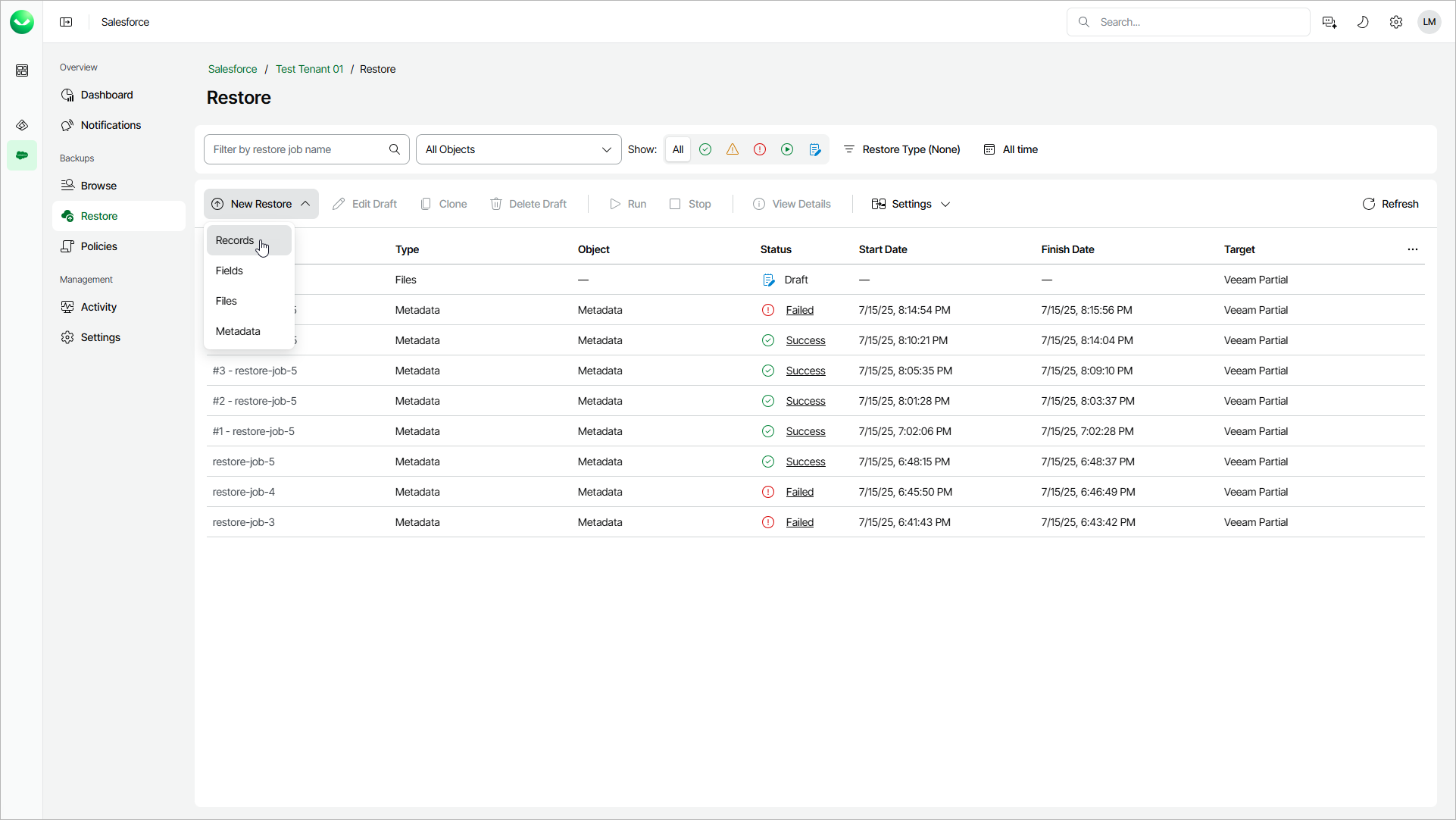
Step 1. Launch Restore Records Wizard
To launch the Restore Records wizard:
- On the Salesforce page, click the name of the tenant you want to manage.
- To view all restore jobs created for the tenant, select Restore on the left.
- Select New Restore > Records.