Step 3. Finish Working with Wizard
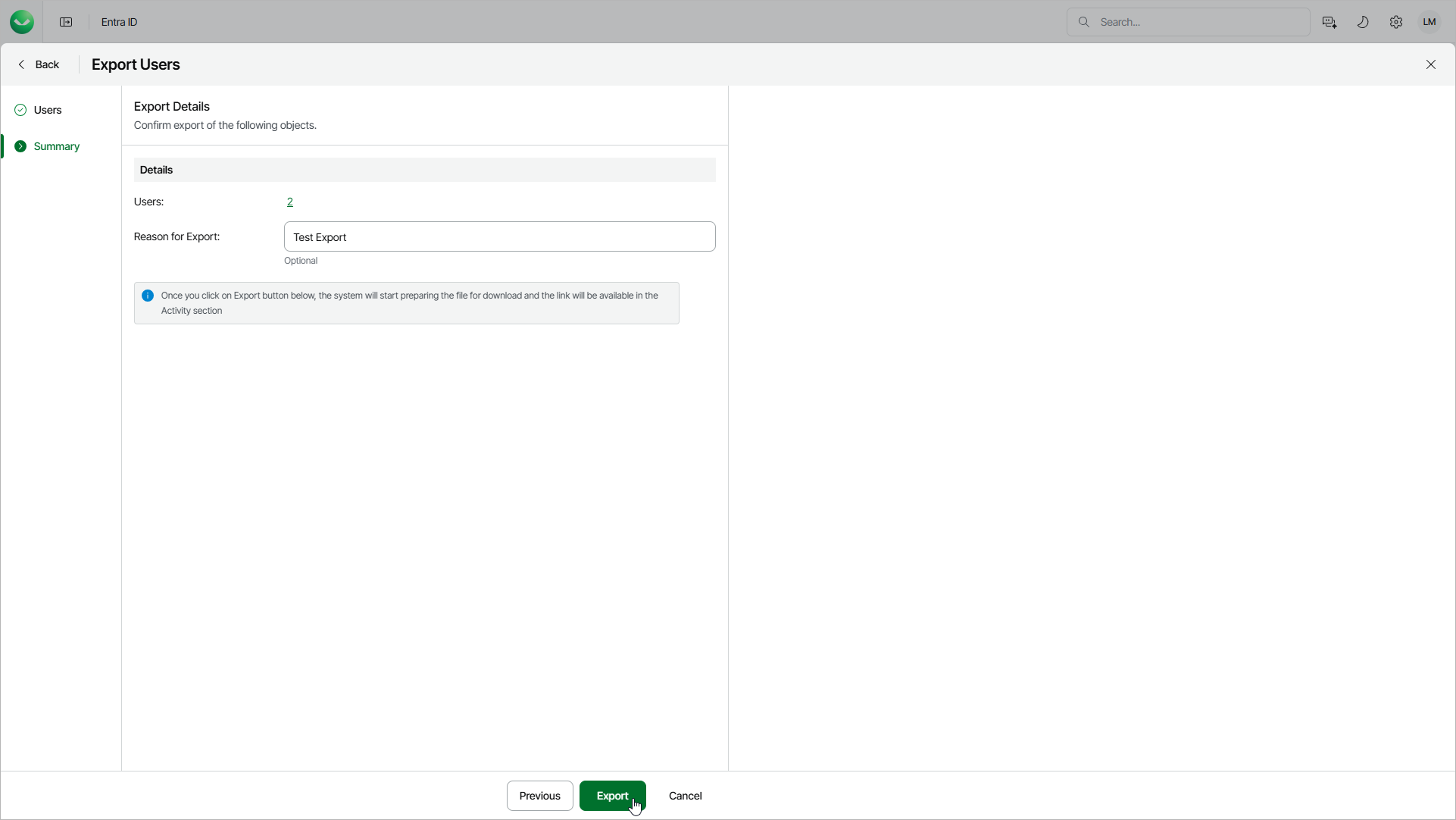
At the Summary step of the wizard, review the summary information and click Export.
In the Reason for Export field, you can enter a reason for exporting objects. This information will be saved to the session history, and you will be able to reference it later.
Veeam Data Cloud will create a download link once the files are exported and ready to download.