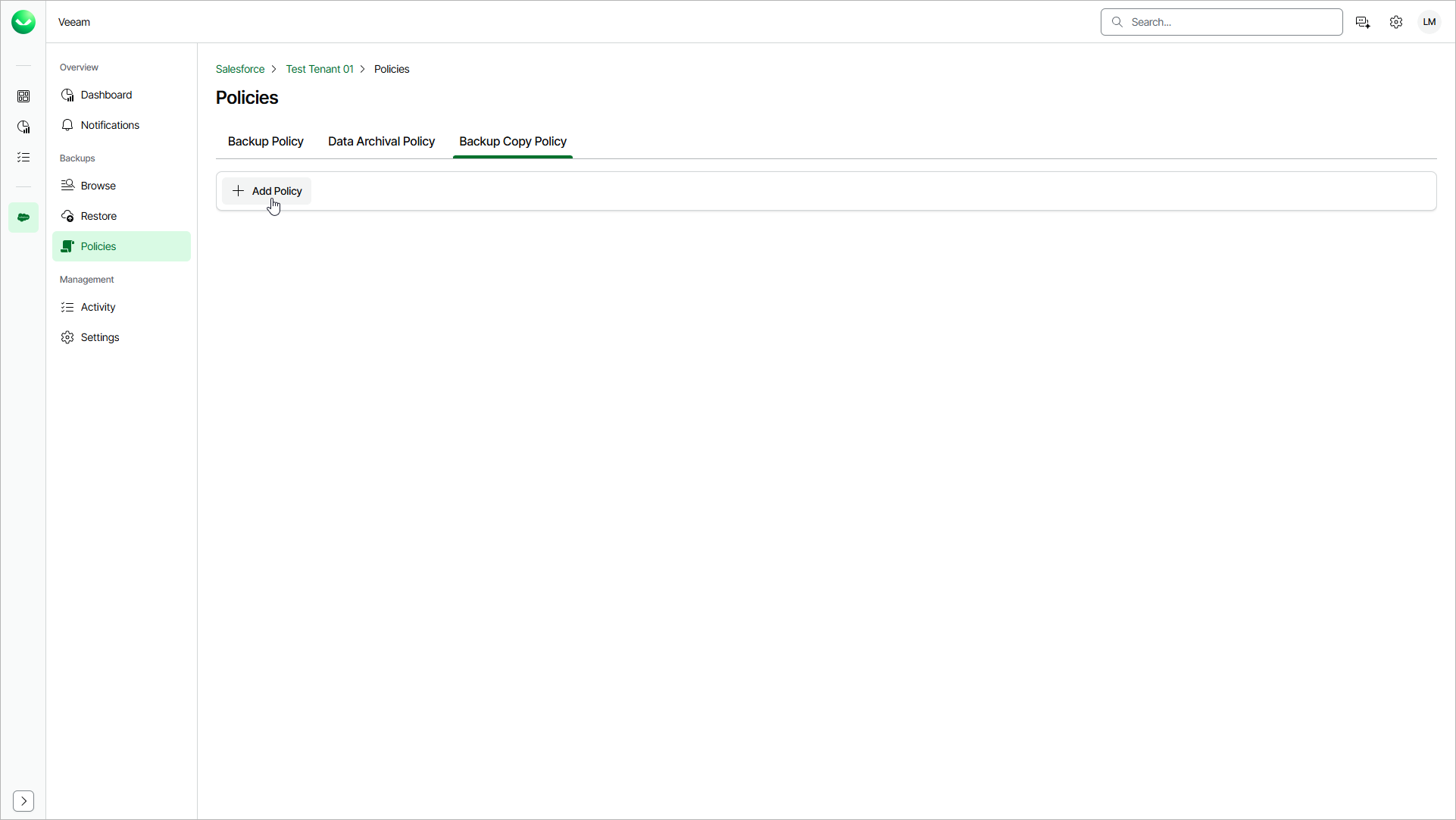
Step 1. Launch Add Backup Copy Policy Wizard
To launch the Add Backup Copy Policy wizard, do the following:
- On the Salesforce page, click the name of the tenant you want to manage.
- To view the policies created for this tenant, select Policies on the left.
- On the Backup Copy Policy tab, click Add Policy.