User Protection Report
Generating User Protection Report
To generate the User Protection report, do the following:
- On the Microsoft 365 page, click the name of the tenant you want to manage.
- Select Reports.
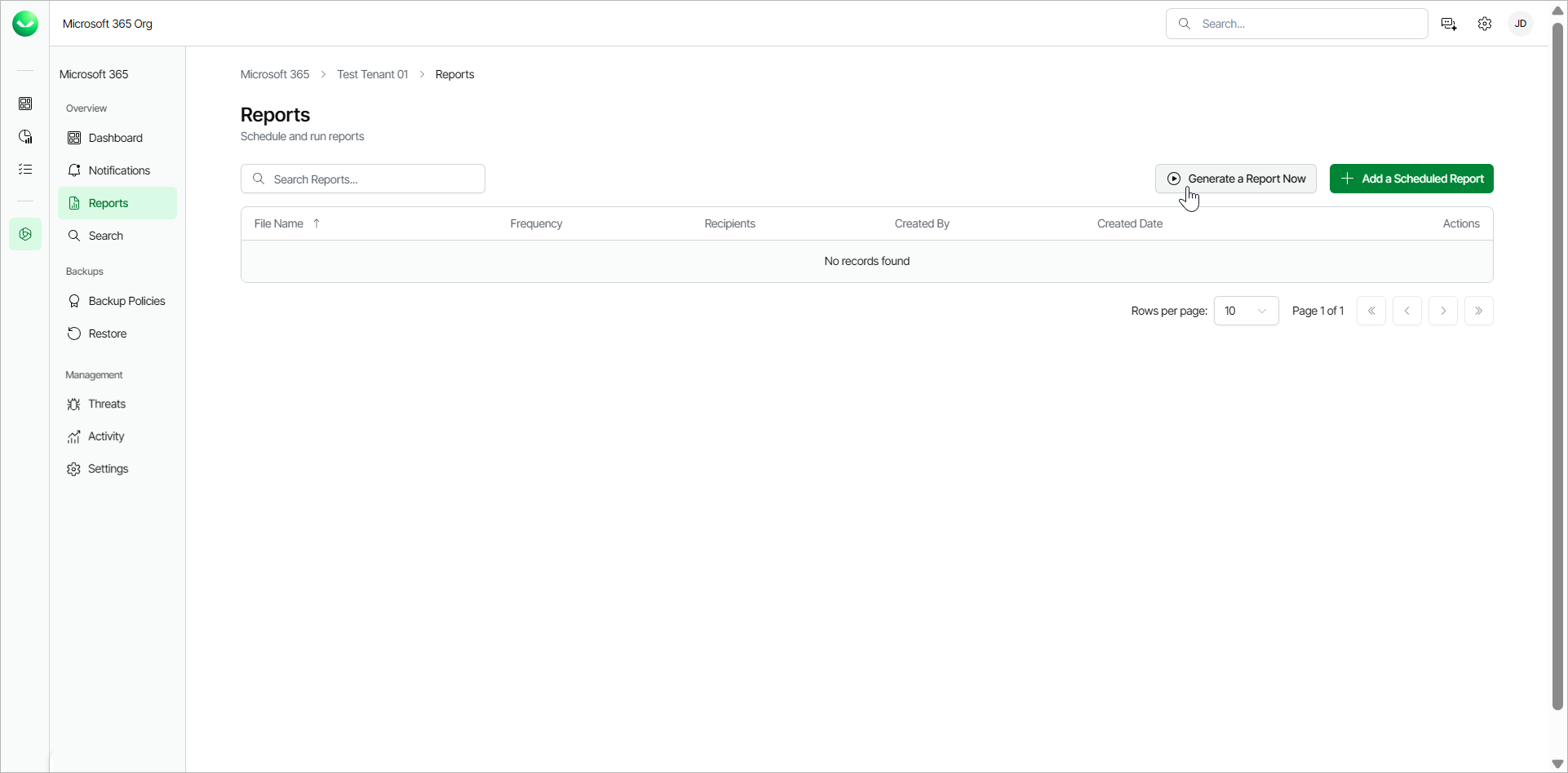
- Click Generate a Report Now.
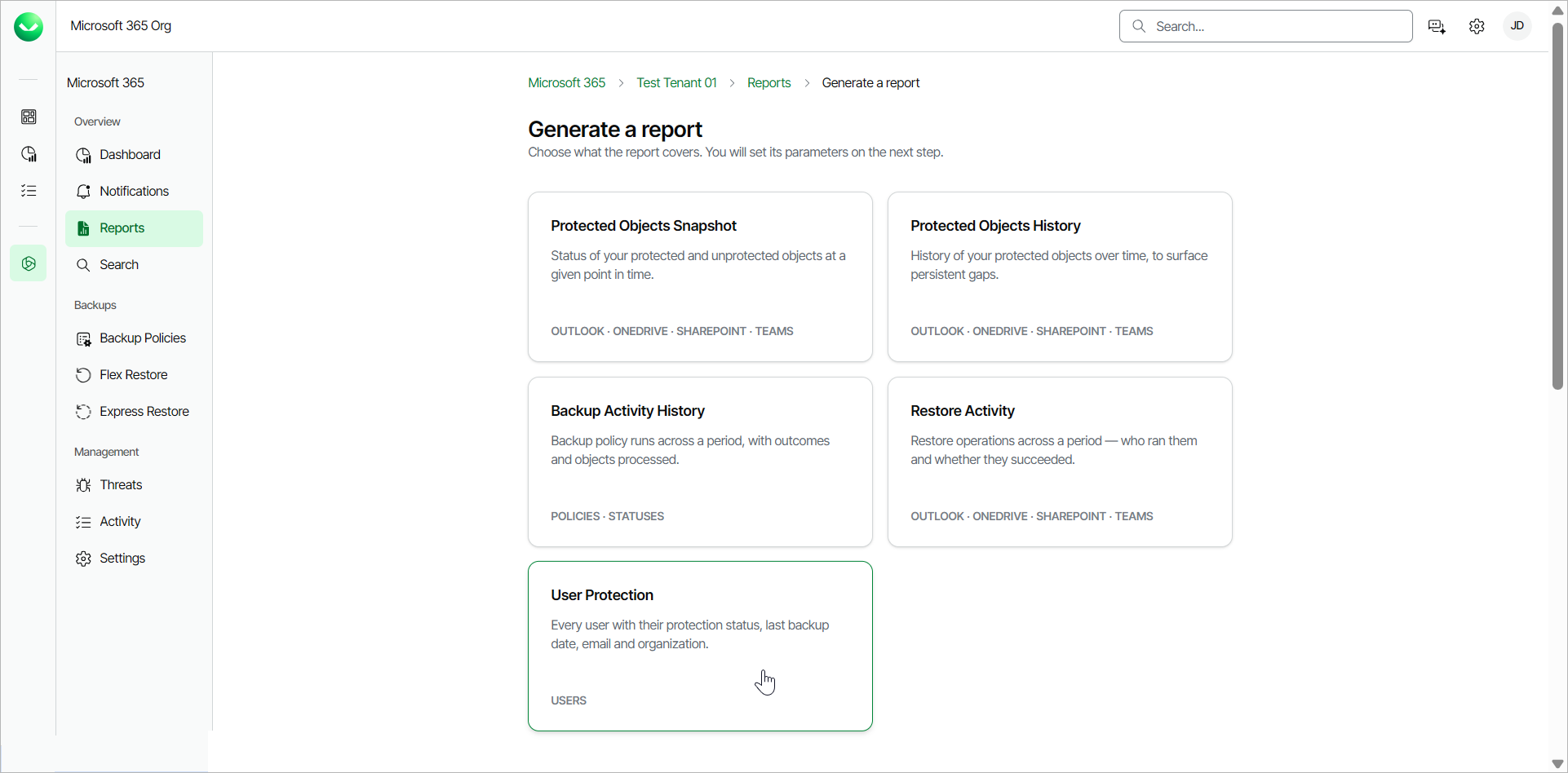
- Select the User Protection report.
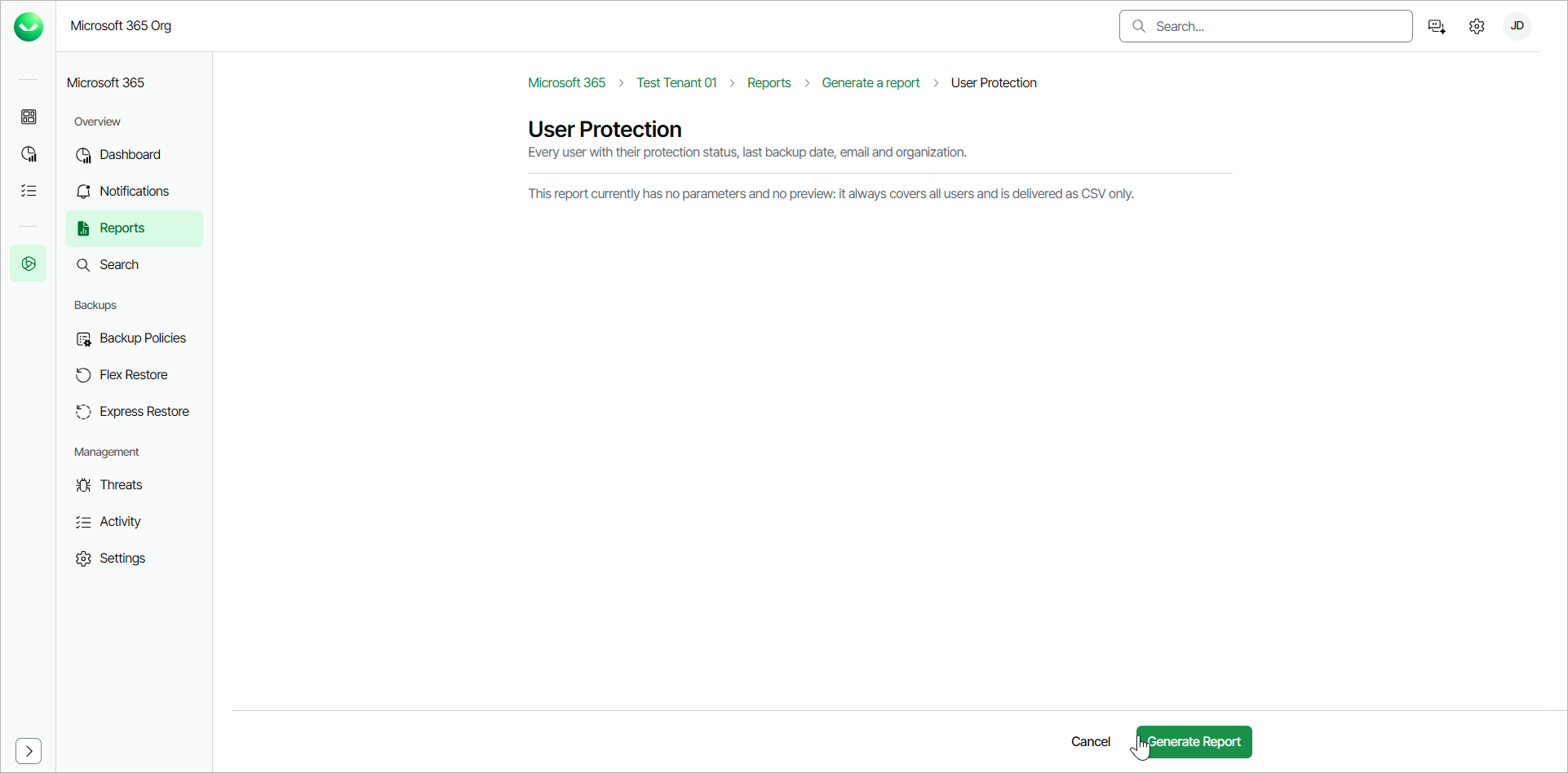
- Click Generate Report. Veeam Data Cloud for Microsoft 365 will generate the report in the format you specified.
Veeam Data Cloud for Microsoft 365 will display the The report is being generated and you will be notified once it is complete message.
Click Notifications to view the status of the report. In the list of notifications, click the link in the Name column of the notification about the report. Veeam Data Cloud will display a session log with detailed information.
In the window with the details of the operation, click Download File. The report is saved to your browser download location.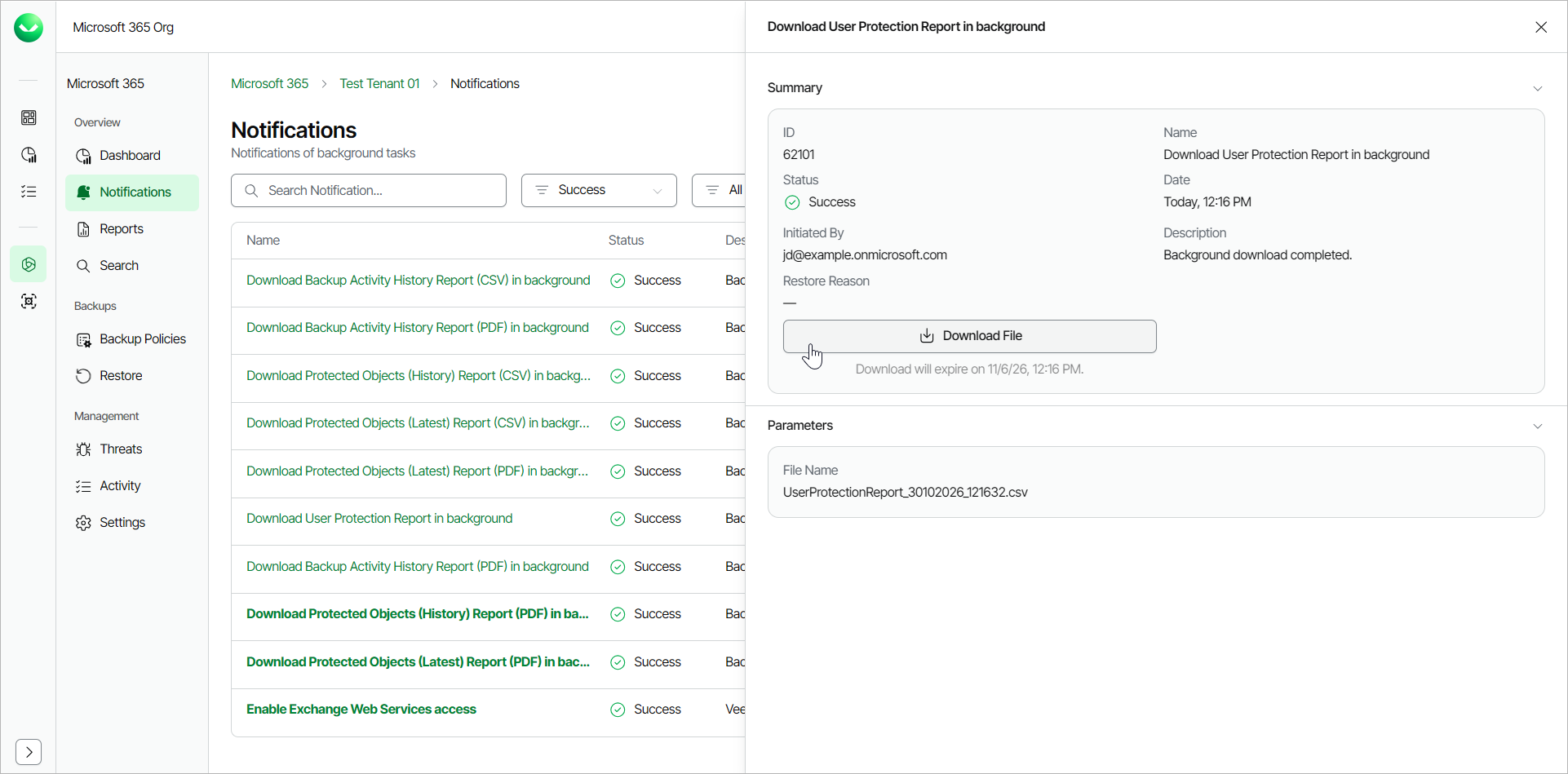
User Protection Report CSV Fields
You can generate the User Protection report in the .CSV format. The .CSV file contains the following fields:
- Username. The name of the Veeam Data Cloud for Microsoft 365 user.
- E-mail. The email address of the Veeam Data Cloud for Microsoft 365 user.
- Organization. The name of the company or organization in Veeam Data Cloud for Microsoft 365.
- Protection Status. Whether the user is Protected or Unprotected.
- Last Backup Date. The date when the latest backup file was created by the user.
For example:
|
Username,E-mail,Organization,Protection Status,Last Backup Date AdeleVance,AdeleV@example.onmicrosoft.com,example.onmicrosoft.com,Protected,08/04/2025 AlexWilber,AlexW@example.onmicrosoft.com,example.onmicrosoft.com,Protected,08/04/2025 ... |
|
Note |
|
A user is Protected when they have at least one successful backup (or backup with warnings) within its RPO at the report date. Users with neither a successful backup nor a backup with warnings in that window, users whose policy has not run yet and users not covered by any backup policy are Unprotected. |