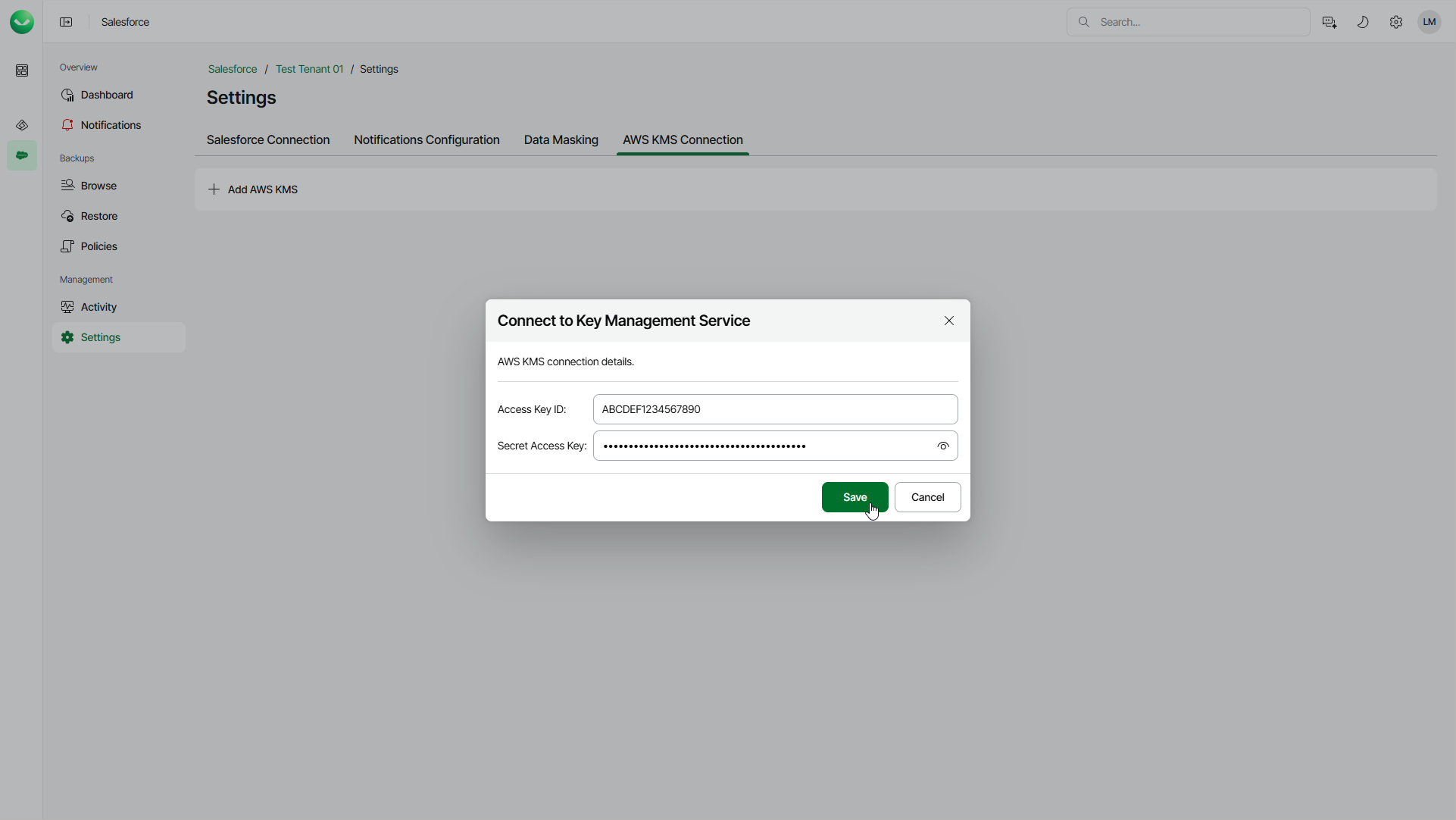
Adding AWS KMS Connections
To encrypt backed-up data using an AWS KMS master key, you must first add an AWS KMS connection. The added KMS connection will be available for all tenants in your Veeam Data Cloud organization that use the same Azure region.
To add a connection to the AWS Key Management service, do the following:
- On the Salesforce page, click the name of the tenant you want to manage.
- Select Settings.
- Select the Cloud Providers tab.
- Click Add Cloud Provider Connection.
- In the Add Cloud Provider Connection window, from the Cloud Provider drop-down list, select AWS.
- From the Connection Type drop-down list, select KMS.
- In the Access Key ID field, enter the access key ID of the AWS account.
- In the Secret Access Key field, enter the secret access key of the AWS account.
- Click Save.