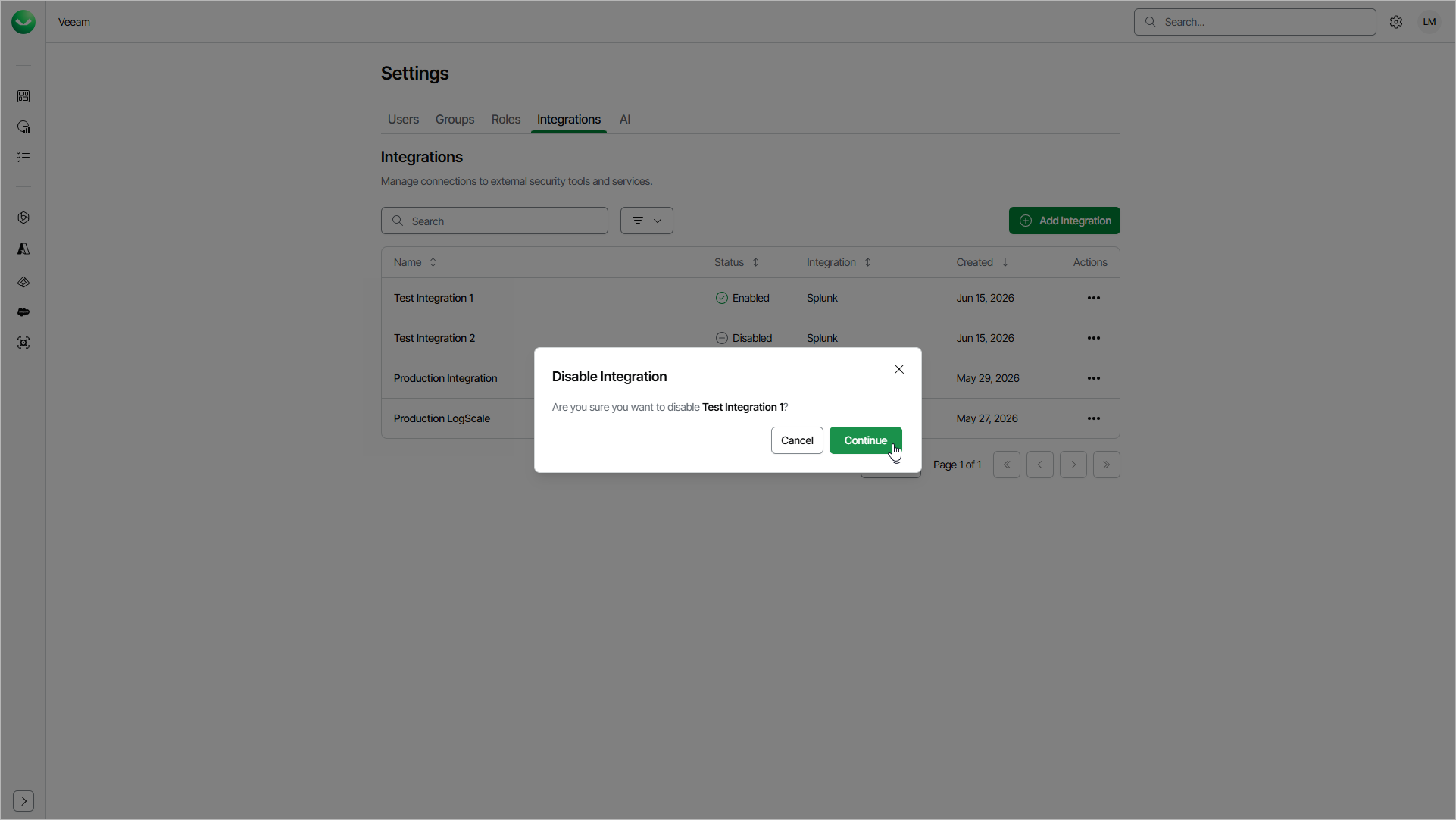
Enabling and Disabling Integrations
By default, after you add an integration, Veeam Data Cloud forwards events to the configured destination. However, you can temporarily disable an integration so that Veeam Data Cloud does not forward events to the destination. You can enable the disabled integration at any time.
While an integration is disabled, events are not queued. Any events that occur in the system during this time are skipped and are not forwarded after you enable the integration again.
To enable an integration, do the following:
- Click the settings icon in the top-right corner.
- Select Integrations.
- On the Integrations tab, in the Actions column of the integration you want to enable, click the menu icon and select Enable.
To disable an integration, do the following:
- Click the settings icon in the top-right corner.
- Select Integrations.
- On the Integrations tab, in the Actions column of the integration you want to disable, click the menu icon and select Disable.