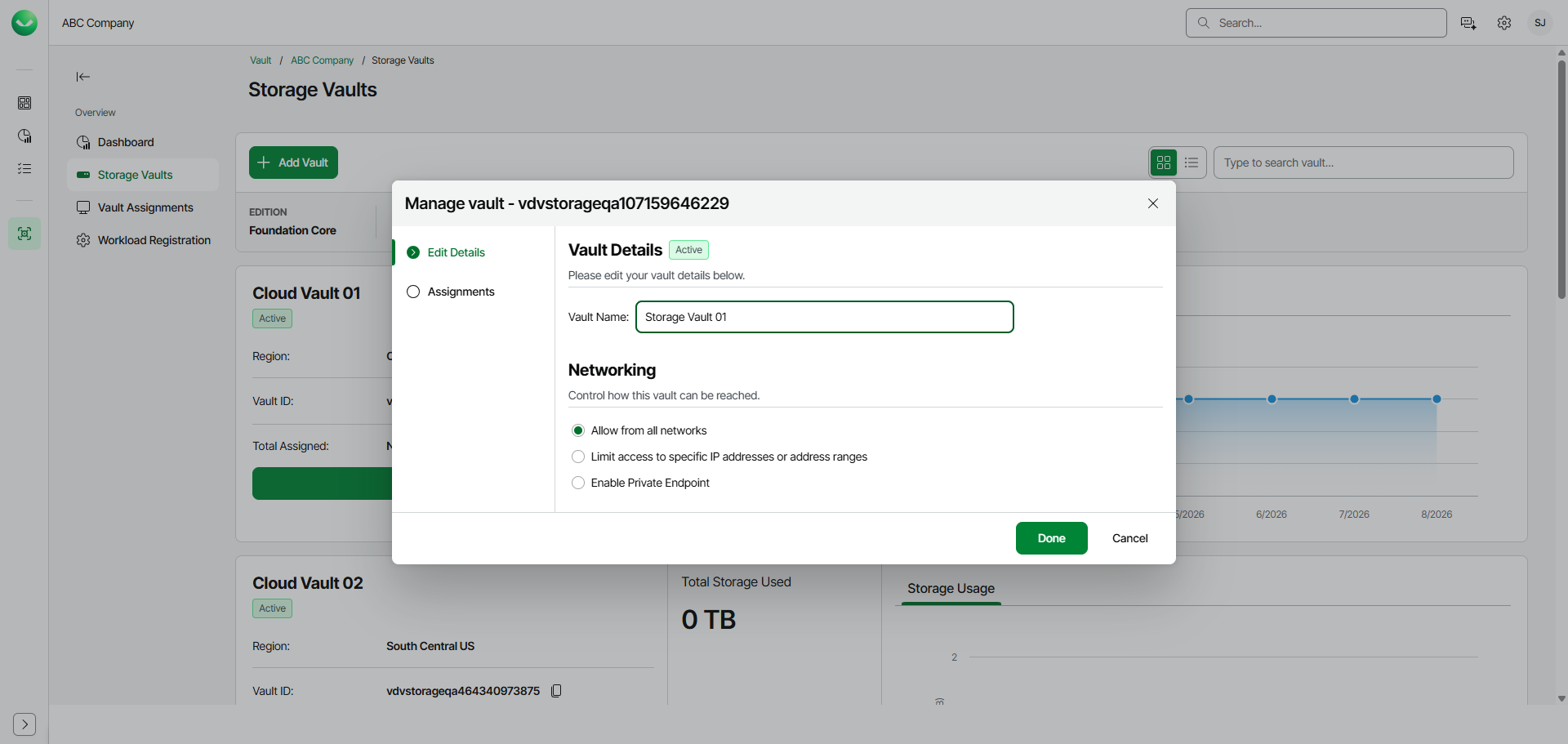
Editing Storage Vault Name
To edit the storage vault name, do the following:
- On the Vault page, find the necessary tenant in the list of tenants and click the tenant name.
Alternatively, click the menu icon at the end of the row and select Manage.
- In the left menu, click Storage Vaults.
- On the Storage Vaults page, locate the storage vault whose settings you want to edit and click Manage.
Alternatively, if you have switched to the list view, click the menu icon
- In the Manage vault window, in the Vault Name field, edit the name of the storage vault. The name must be between 3 and 50 characters in length.
- Click Done.