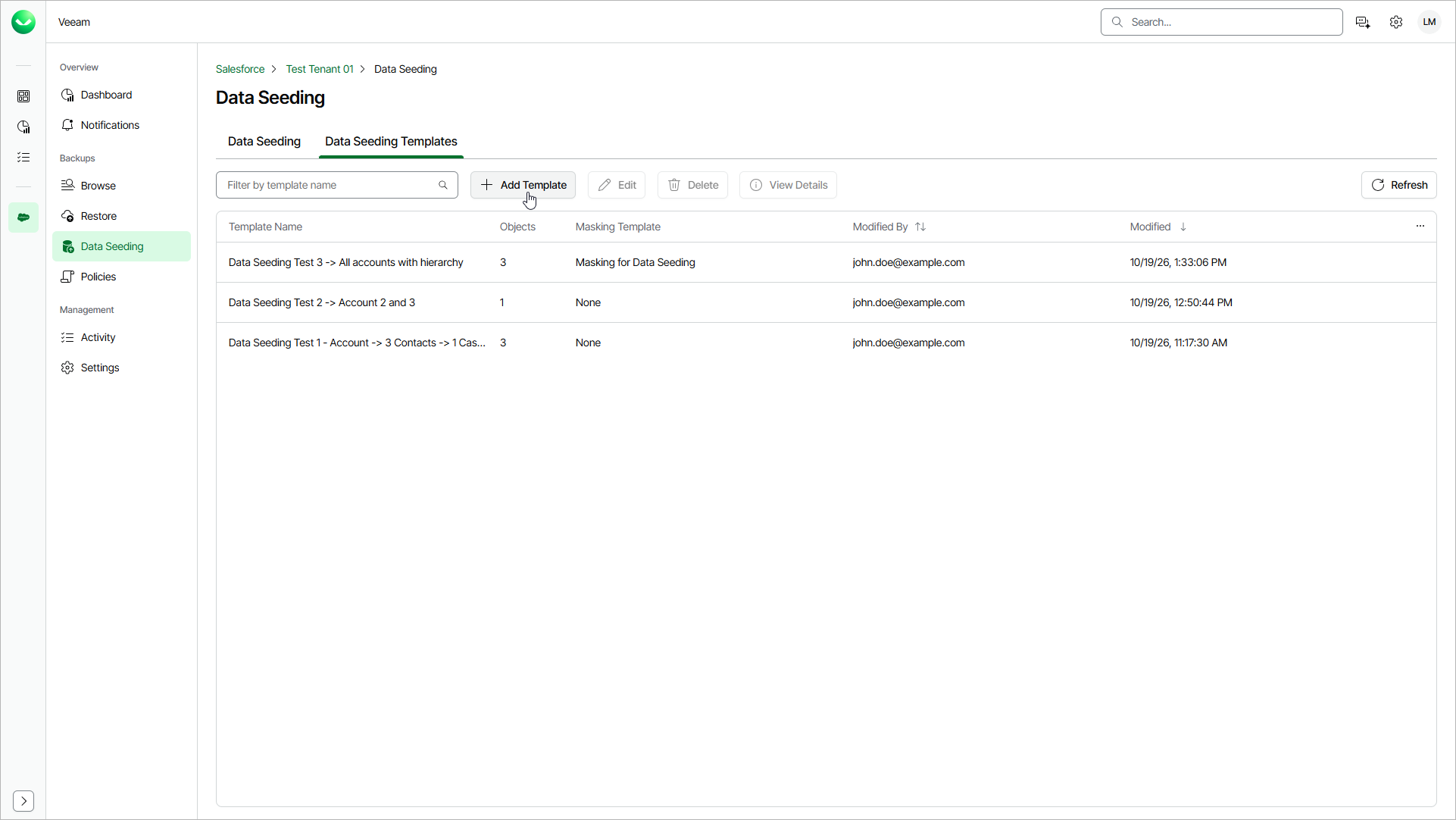
Step 1. Launch New Data Seeding Template Wizard
To launch the New Data Seeding Template wizard, do the following:
- On the Salesforce page, click the name of the tenant you want to manage.
- Select Data Seeding on the left.
- Select the Data Seeding Templates tab.
- Click Add Template.