Editing Data Seeding Templates
You may need to edit a data seeding template to change the name of the template, the objects, filters and record limits added to the template, or the data masking template applied to the seeded data.
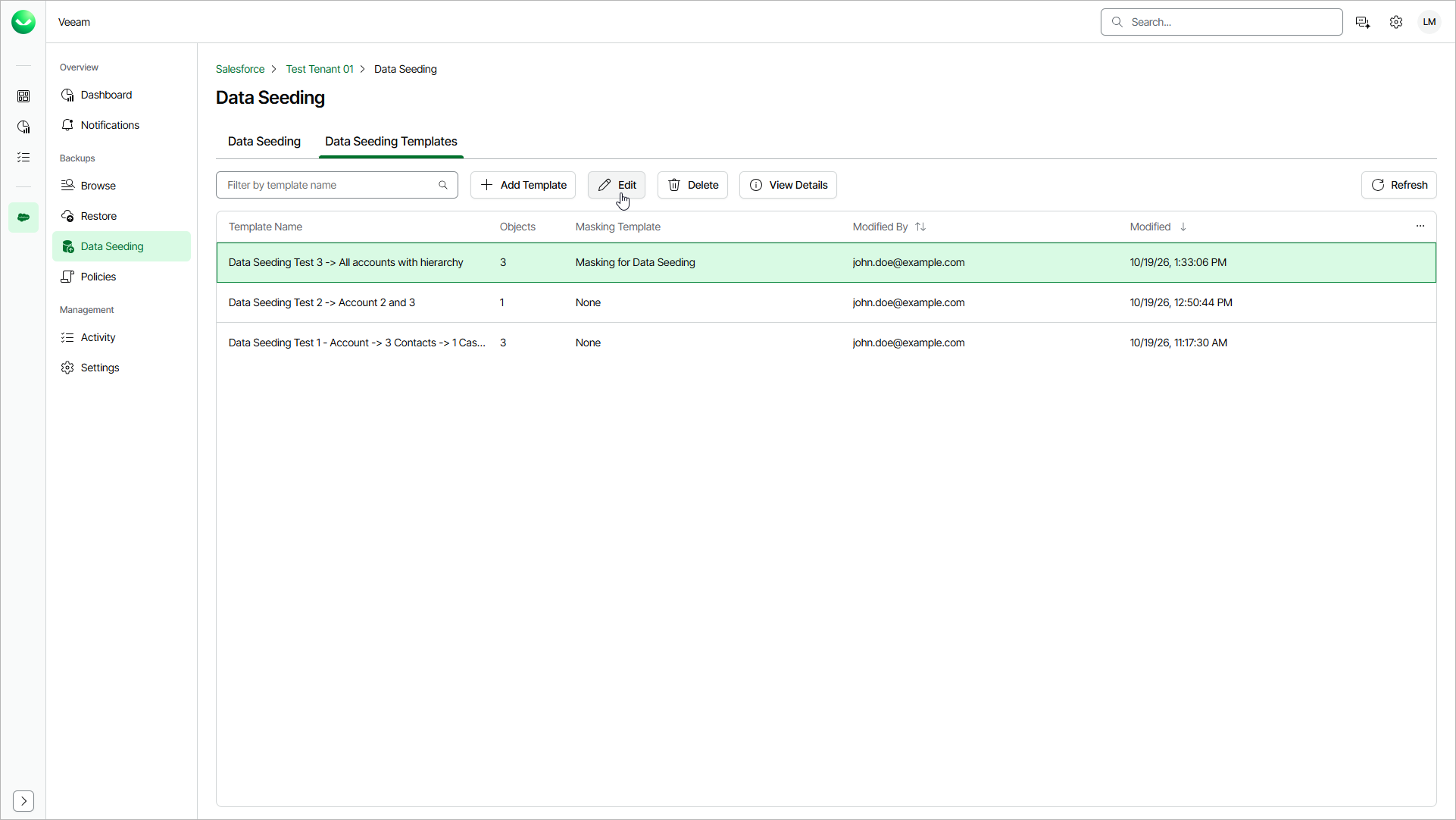
To edit a data seeding template, do the following:
- On the Salesforce page, click the name of the tenant you want to manage.
- Select Data Seeding on the left.
- Switch to the Data Seeding Templates tab.
- Select the template you want to edit and click Edit.
- To complete the wizard, follow the instructions starting at the Specify Template Name step of the Adding Data Seeding Templates section.